
Engagement party photo sharing: one QR code, and every guest gets their own photos
Put one QR code on the table. Guests scan it, take a single selfie, and open a personal album of the photos they appear in. It runs in the browser, so there is no app to download and no account to create. PiciMe can also send each guest their album straight to WhatsApp.
An engagement party is the first time both families are in one room. Almost nobody has met yet, so the photos scatter across two sets of phones and never meet. This is the night you will want properly collected.
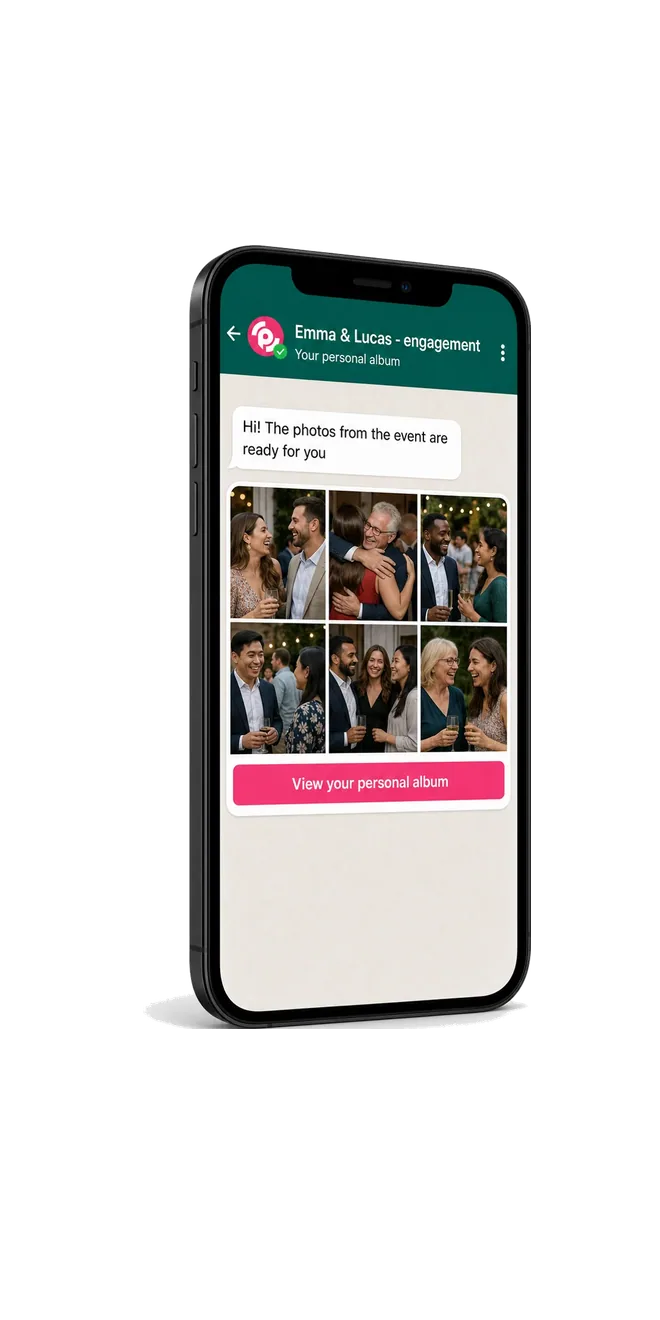
How guests get their engagement party photos, in 3 steps
A guest scans the QR code and takes one selfie. Face recognition does the rest, and both families end up with the photos they are in.
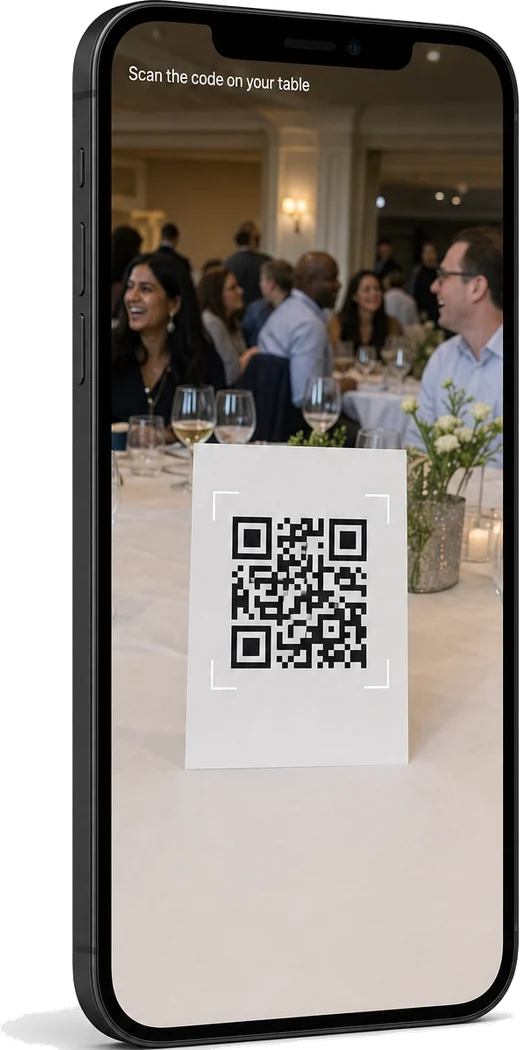
Scan the QR code
Put a QR code on the table and at the door. Guests scan it with the camera they already have and it opens in the browser. Nothing to install, no account to create.
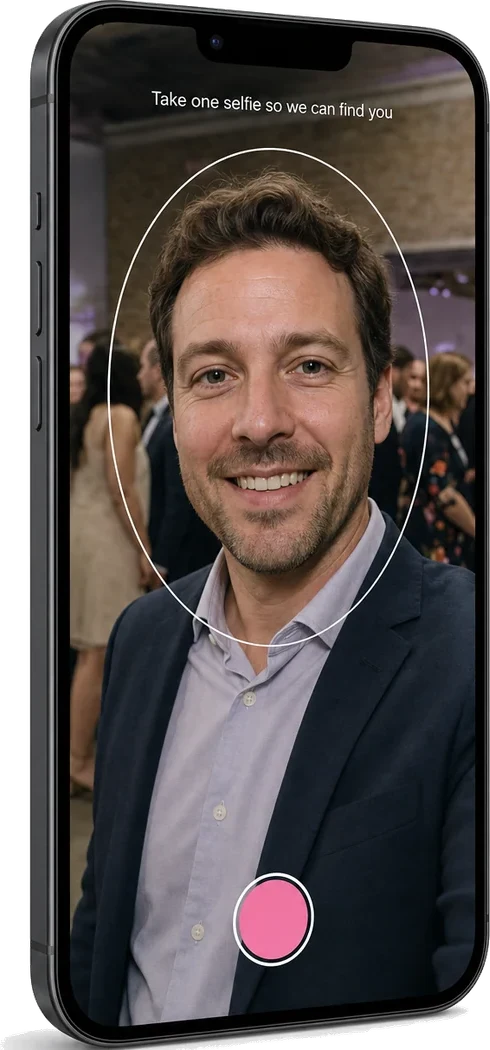
Take one selfie
Each guest takes one selfie. Face recognition uses it to find them across every photo from the party. The selfie is not stored: each visit asks for a fresh one.
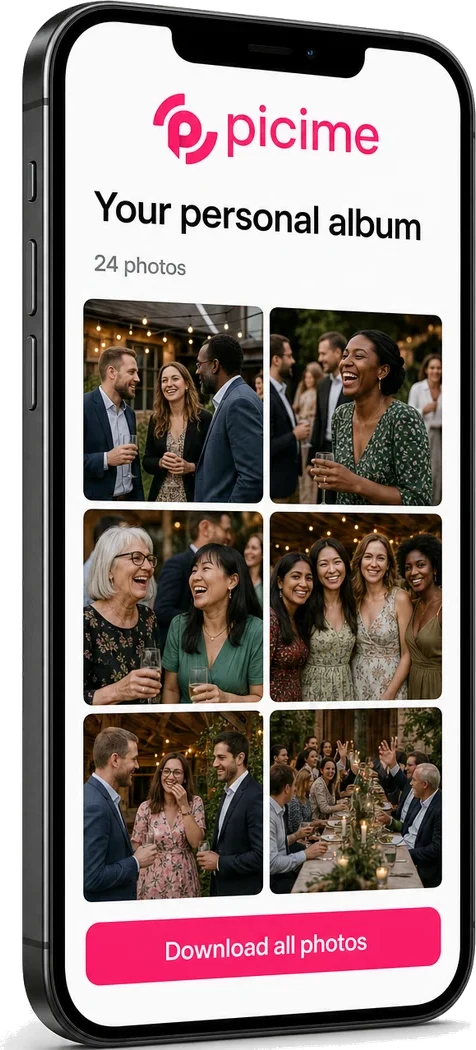
Get your own photos
Every guest gets an album of the photos they appear in. You get the full gallery of the whole party, and you decide when the albums go out.
Two families, two sets of phones, one gallery
A guest scans, takes one selfie, and their album opens. That is the entire ask. It works in any browser, so nobody has to install anything or make an account.
Every photo taken on a guest's phone joins your gallery through the same code. His side and her side finally end up in the same place, instead of in two group chats that never meet.
And it carries forward. The same gallery is there when you start planning the wedding, so the engagement photos do not vanish the week after.
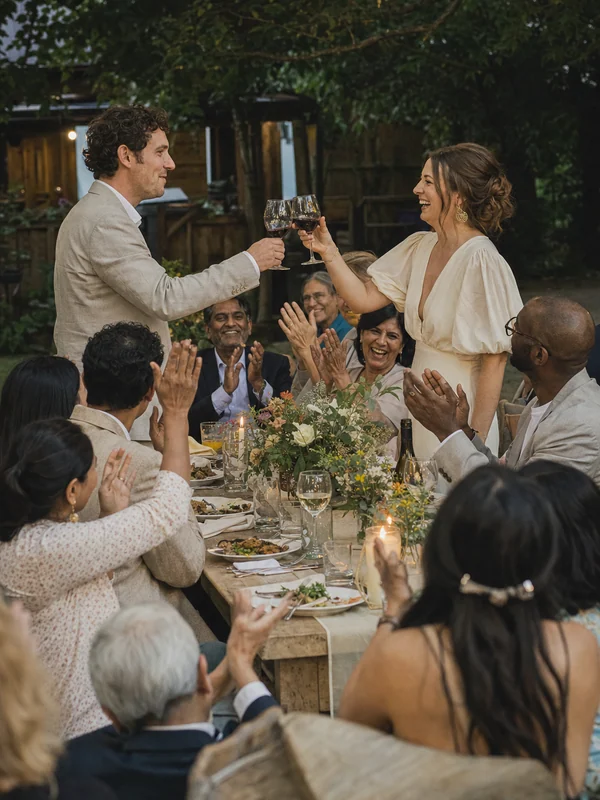

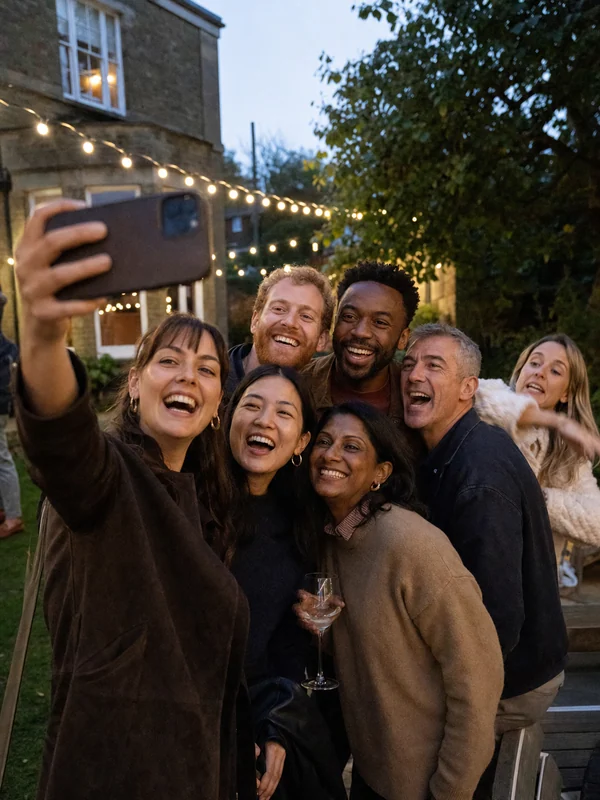

Why engagement party photos disappear
Two families who barely know each other are not in one group chat. Half the photos go to one side and half to the other, and neither set is ever shared.
There is usually no professional photographer at an engagement party. The photos that exist were taken on phones, and they stay on those phones.
Someone promises to send them round. A week later the excitement has passed and nobody does.
What engagement party photo sharing looks like
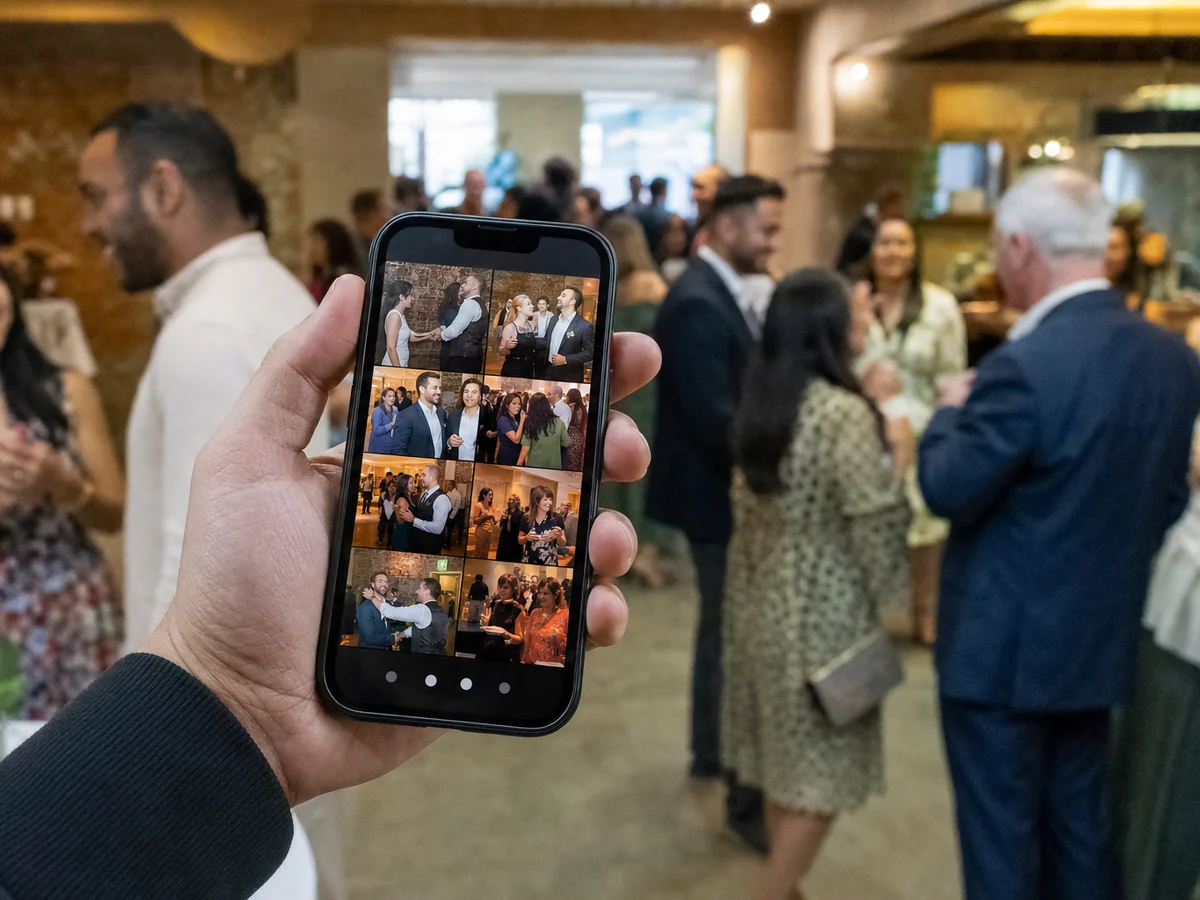

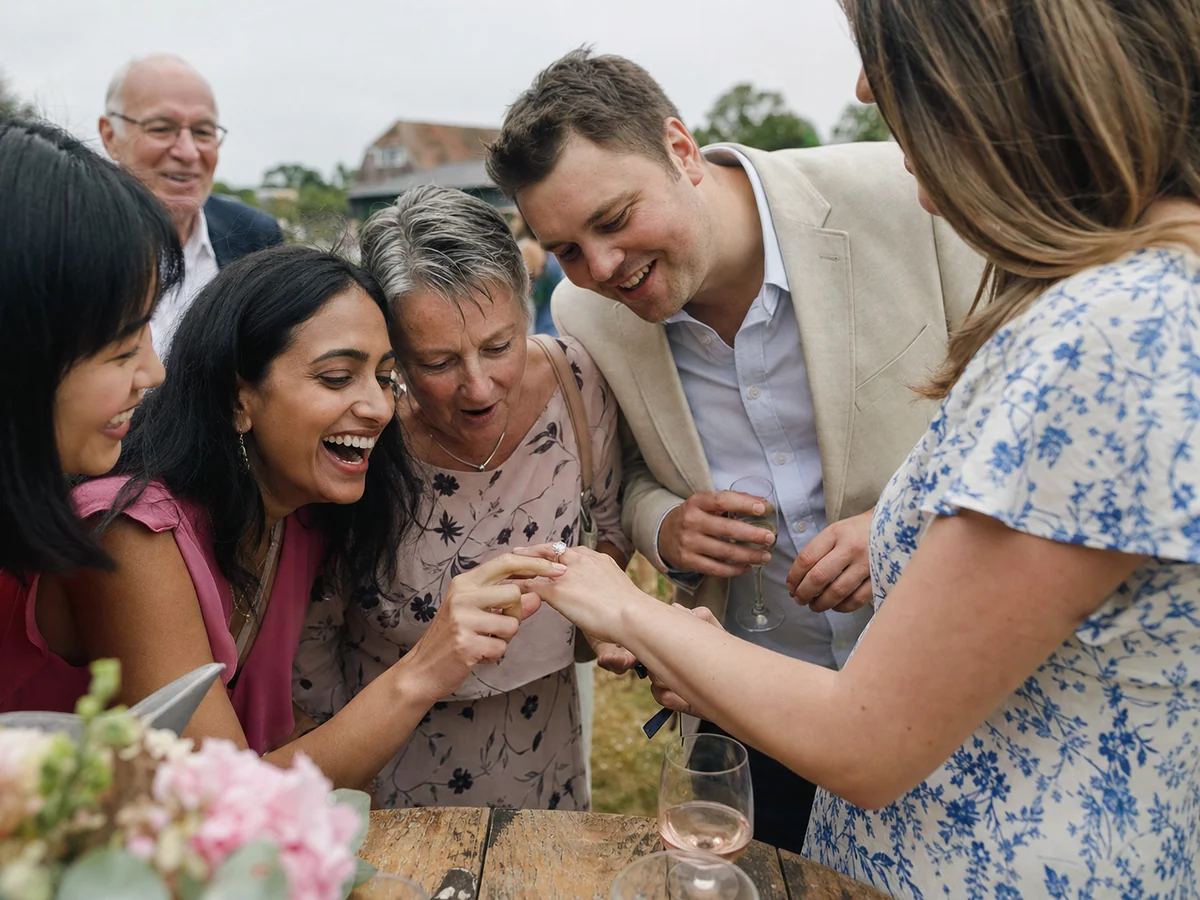
One QR code on the table, and by the next morning the photos from both sides of the family are in the same place. Not one of them had to be asked for.
Privacy is built into how it works
Each guest sees only the photos they appear in. The selfie is used to match a face at that moment and is not stored, so every visit asks for a new one. Joining is a choice: a guest who does not scan does not take part. Event photos are kept for about six months, and you can extend that.
Want both families' photos in one place the next morning?
Three plans: a shared album at $120, personal albums with face recognition at $170, and the full experience with a live screen at $200. There is no cap on photos or guests; the 500 in the price list is what the listed plans cover.
Engagement party photo sharing: common questions
How do I create a QR code for engagement party photos?+
Do guests need to download an app or sign up?+
We do not have a photographer. Is it still worth it?+
Will his family see her family's photos?+
Can we use the same gallery for the wedding?+
How much does it cost?+
Planning the rest of it
Wedding photo sharing
Every guest gets their own moments, from the ceremony to the dance floor.
Face recognition for events
How one selfie turns thousands of photos into a personal album for each guest.
8 wedding photo sharing apps, compared
Eight apps side by side on price, face recognition and the live slideshow.