
Event photo sharing: every guest gets a personal album with their photos on WhatsApp
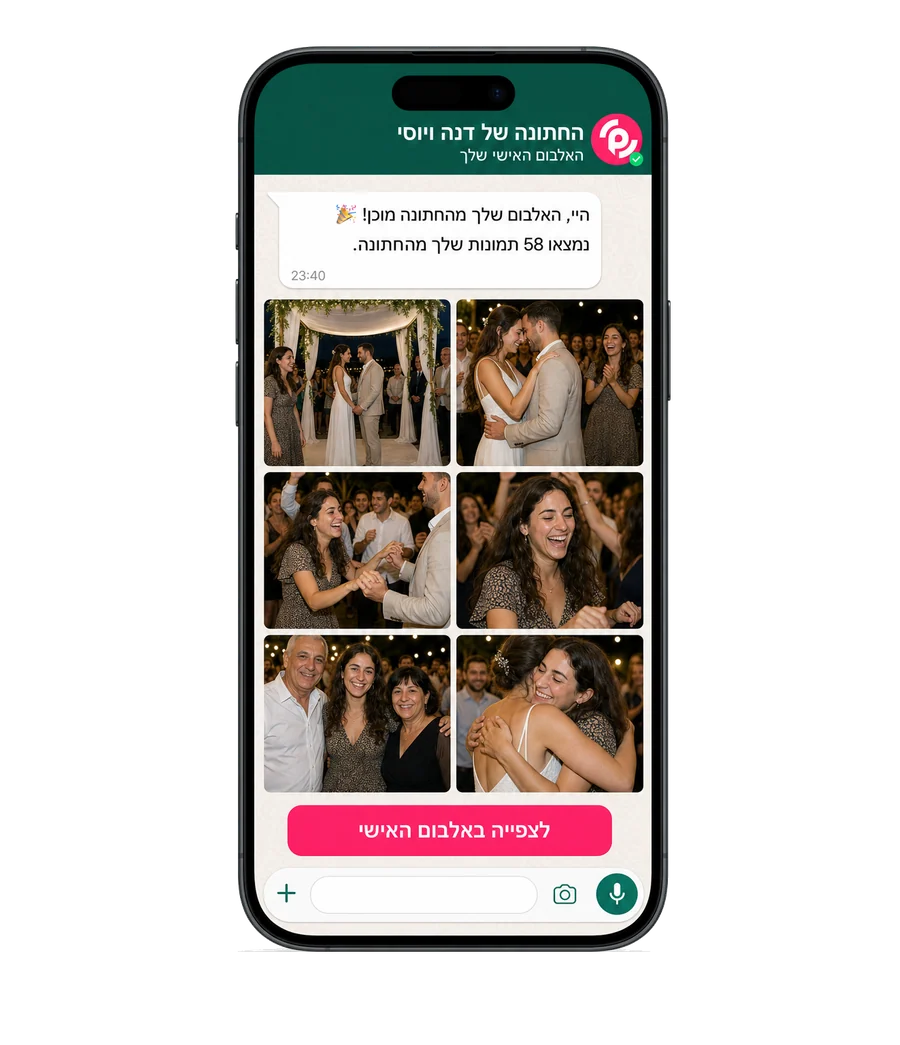
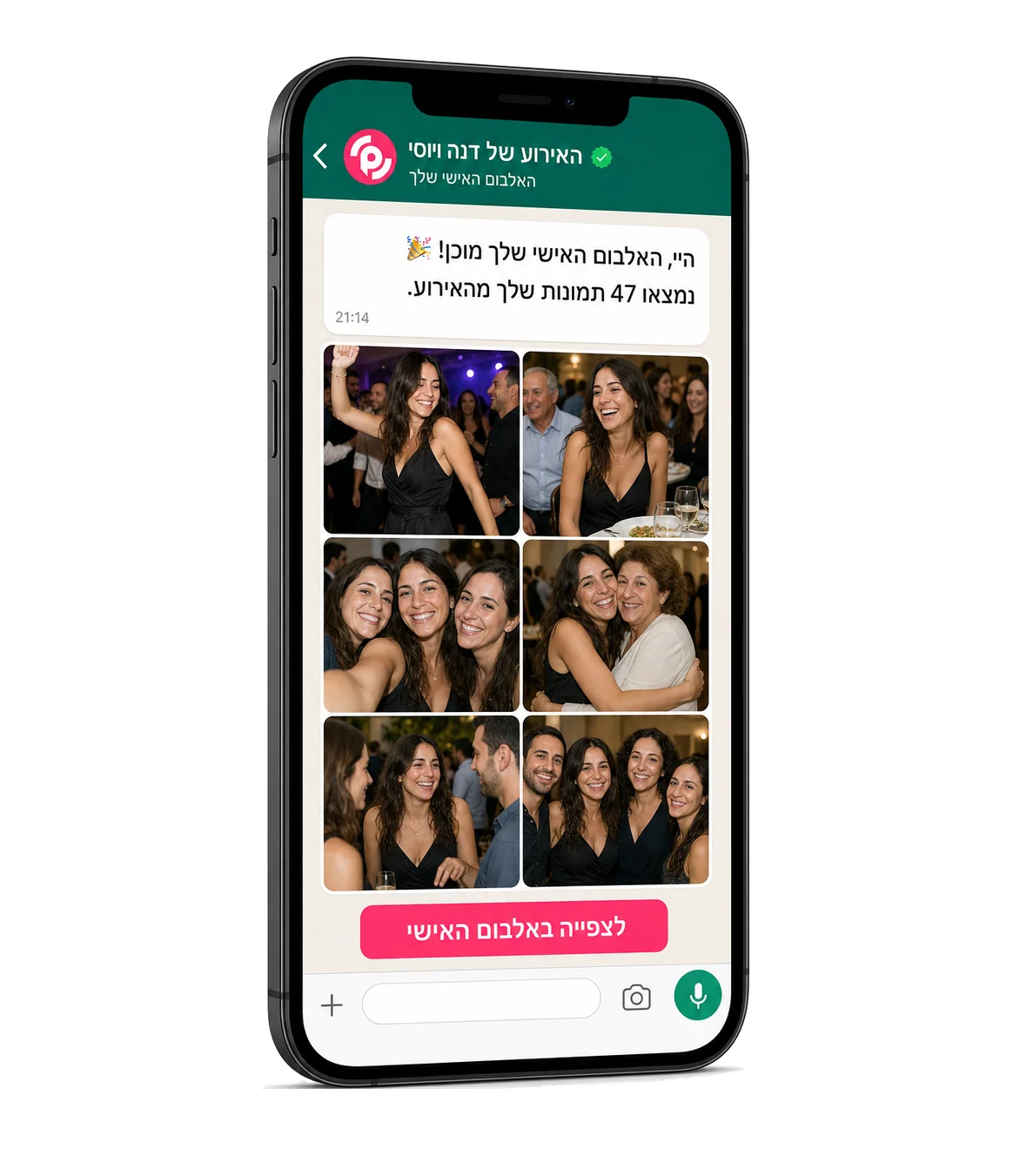
A wedding, a bar mitzvah, a henna or a conference. At every event thousands of photos are taken, and most never reach the people in them. Event photo sharing with PiciMe is simple: each guest joins through a WhatsApp link or scans a QR code, takes one selfie, and face recognition sends them a personal album with only the photos they appear in, from the photographer and from every phone in the room. No app and no sign-up. And you get one gallery with the entire event.
Some of the brands and organizations already working with PiciMe









The path to sharing photos at your event: three steps, no app
From the first link to the album on WhatsApp, this is how it works at every event, big or small.
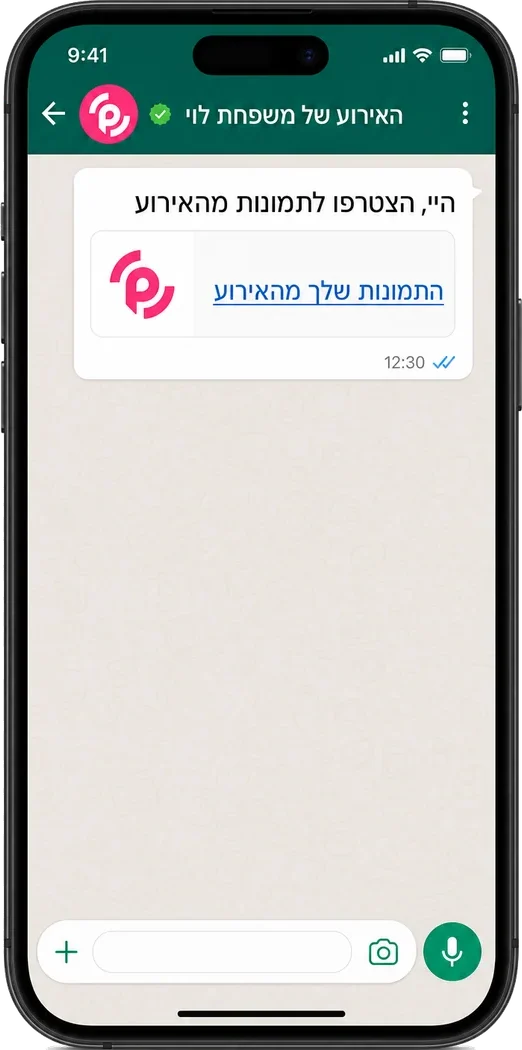
Join with a code or a link
Each guest gets a WhatsApp link and joins with one tap, or scans a branded QR code at the entrance and on the tables. No download and no sign-up.
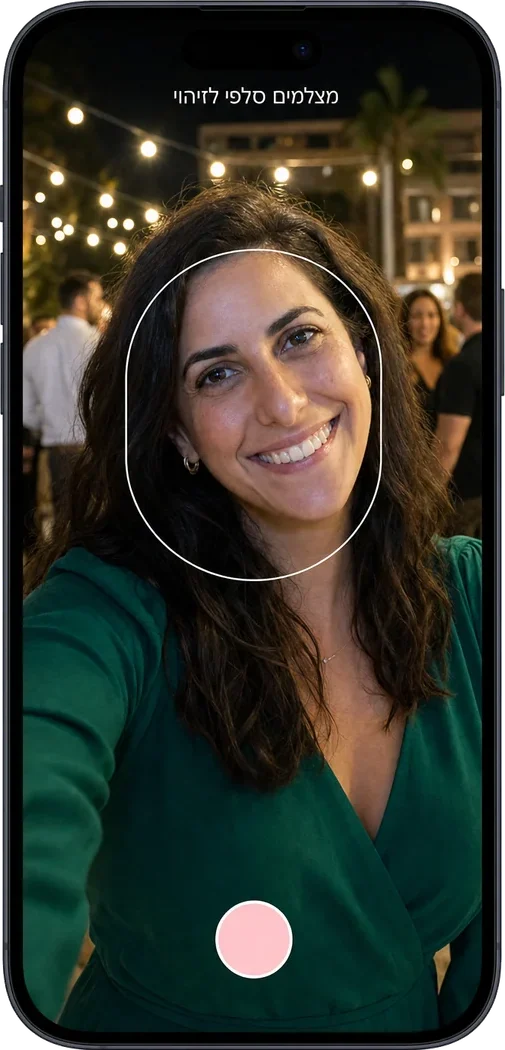
Take one selfie
Face recognition learns to identify the guest and finds them across all of the event photos, from the photographer and from the other guests, even among thousands of shots.
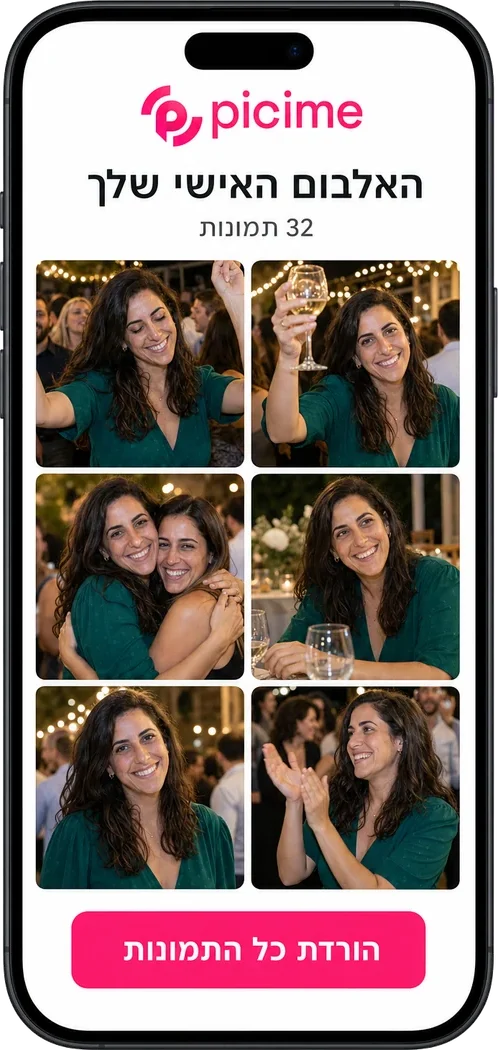
Get a personal album on WhatsApp
Each guest gets a designed gallery with only the photos they appear in, straight to WhatsApp. And you get the full gallery of the entire event, without chasing anyone.
Sharing photos from an event with no app, from any phone and at any age
Sharing photos from a phone at events has to work for everyone, for grandma and for the friends from the army alike. That's why we have no app at all: everything opens in the browser, from any phone, and the album arrives on WhatsApp, the app everyone already opens every day.
Guests upload on their own too. Every photo someone takes on their phone joins the central gallery through the same link, so moments from the tables, that no photographer walked past, reach exactly the people in them.
And when the professional photographer delivers the edited photos, face recognition runs on those too, and each guest gets another WhatsApp with their professional shots. The photographer's work reaches everyone, instead of being buried in a Drive folder.
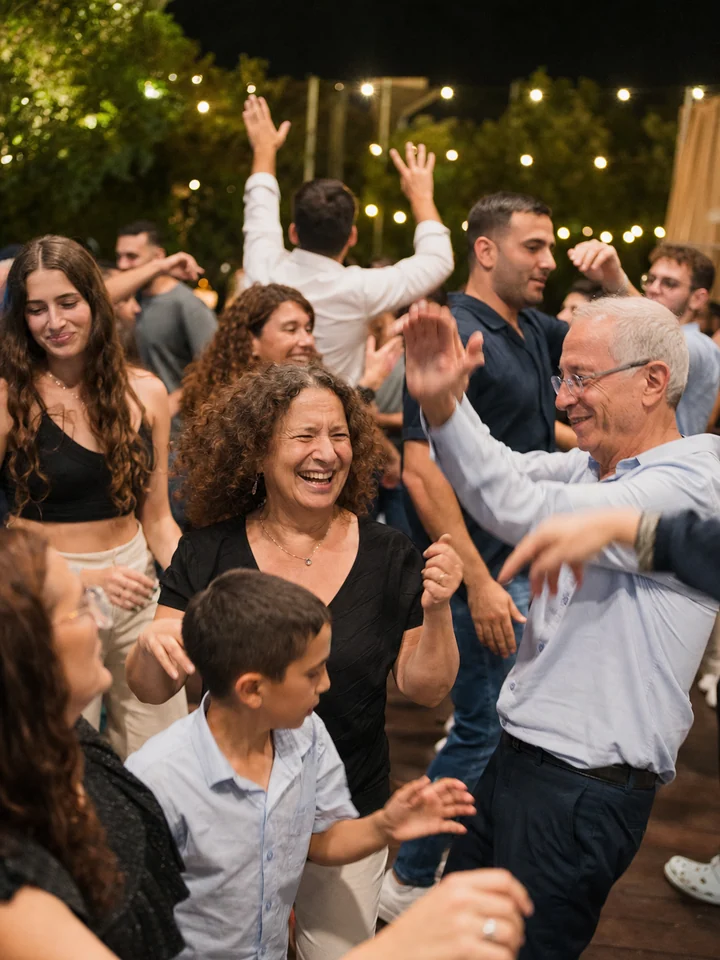
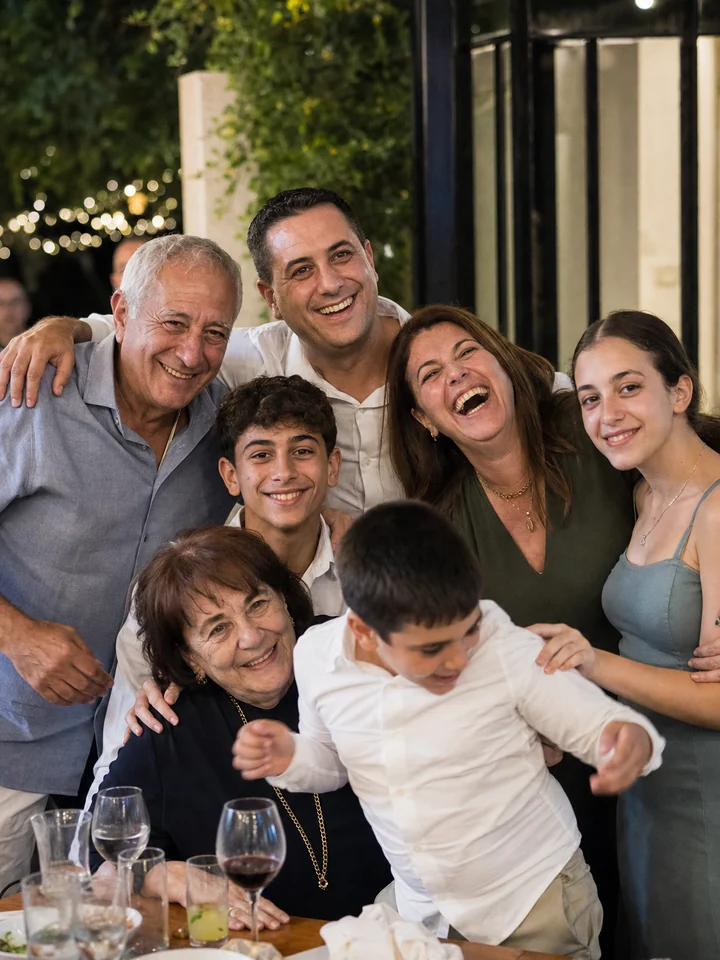
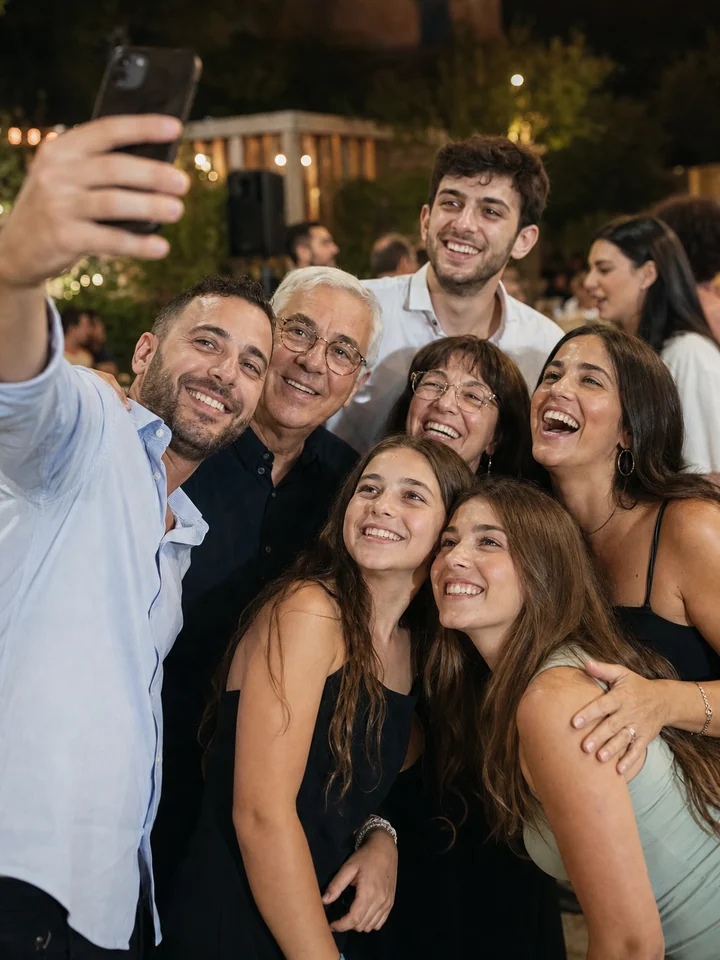
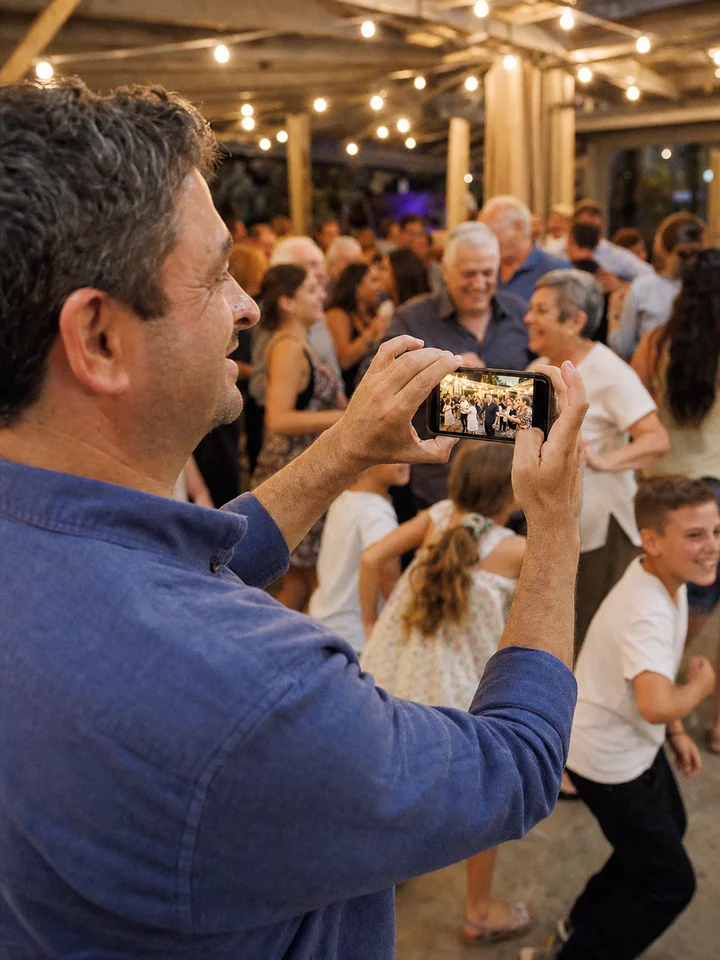
Photo sharing for every kind of event
Every event has its own page, with the examples, questions and pricing that are relevant to it exactly.
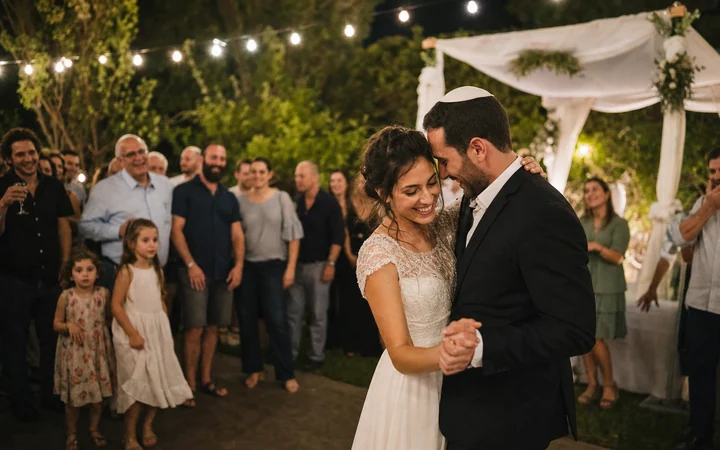
Wedding photo sharing
Every guest gets their moments from the ceremony to the dance floor, straight to WhatsApp.
To the wedding page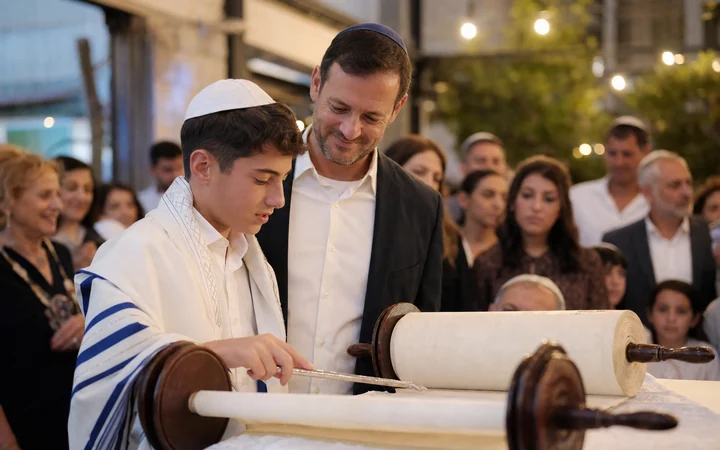
Bar mitzvah photo sharing
The ceremony in the morning and the party in the evening, one event, one album for every guest.
To the bar mitzvah page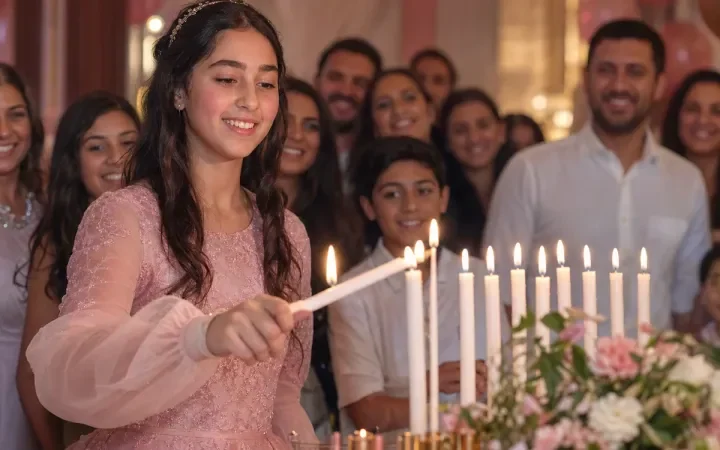
Bat mitzvah photo sharing
The stories disappear after 24 hours, her album stays.
To the bat mitzvah page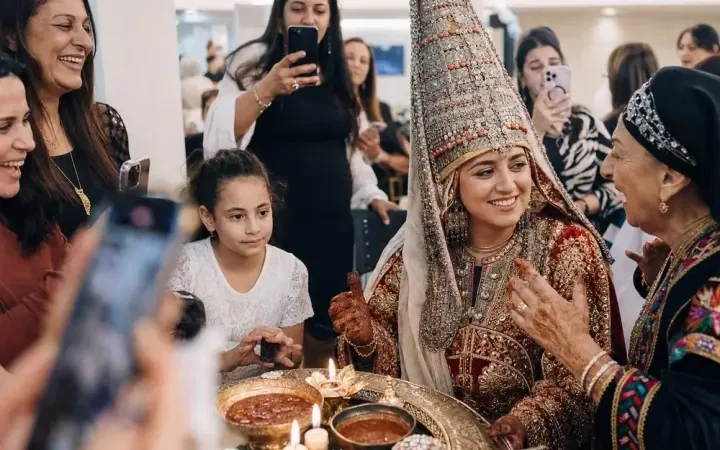
Henna photo sharing
Every outfit, every aunt, each one gets her own photos.
To the henna page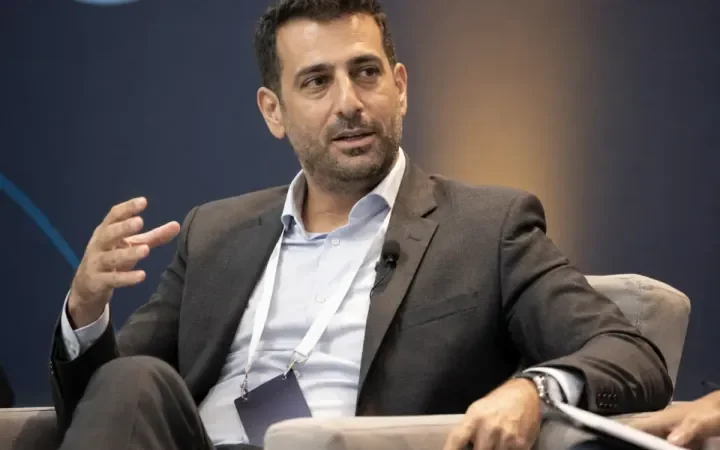
Photo sharing for conferences and business events
A branded album for every attendee, ready for LinkedIn, and measurable exposure for sponsors.
To the conferences page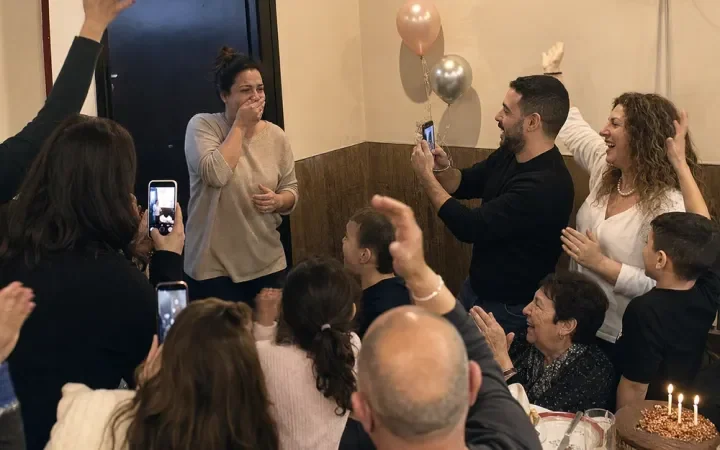
Birthday and party photo sharing
Everyone photographs, and it all gathers into one happy album.
To the birthday page
Brit photo sharing
The small family moments, saved with the whole family.
To the brit page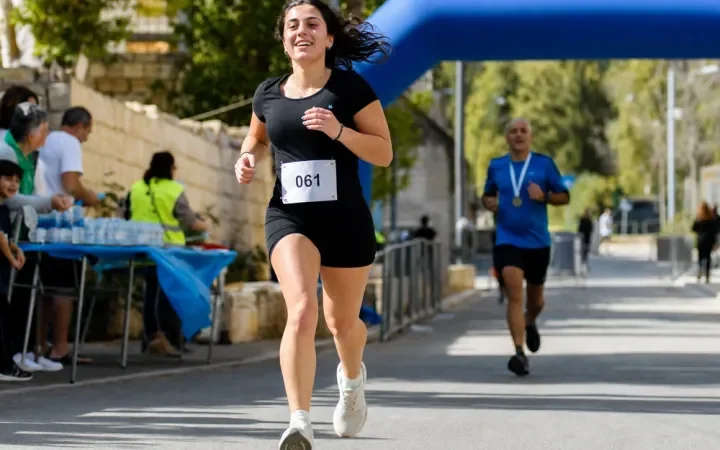
Sports event photo sharing
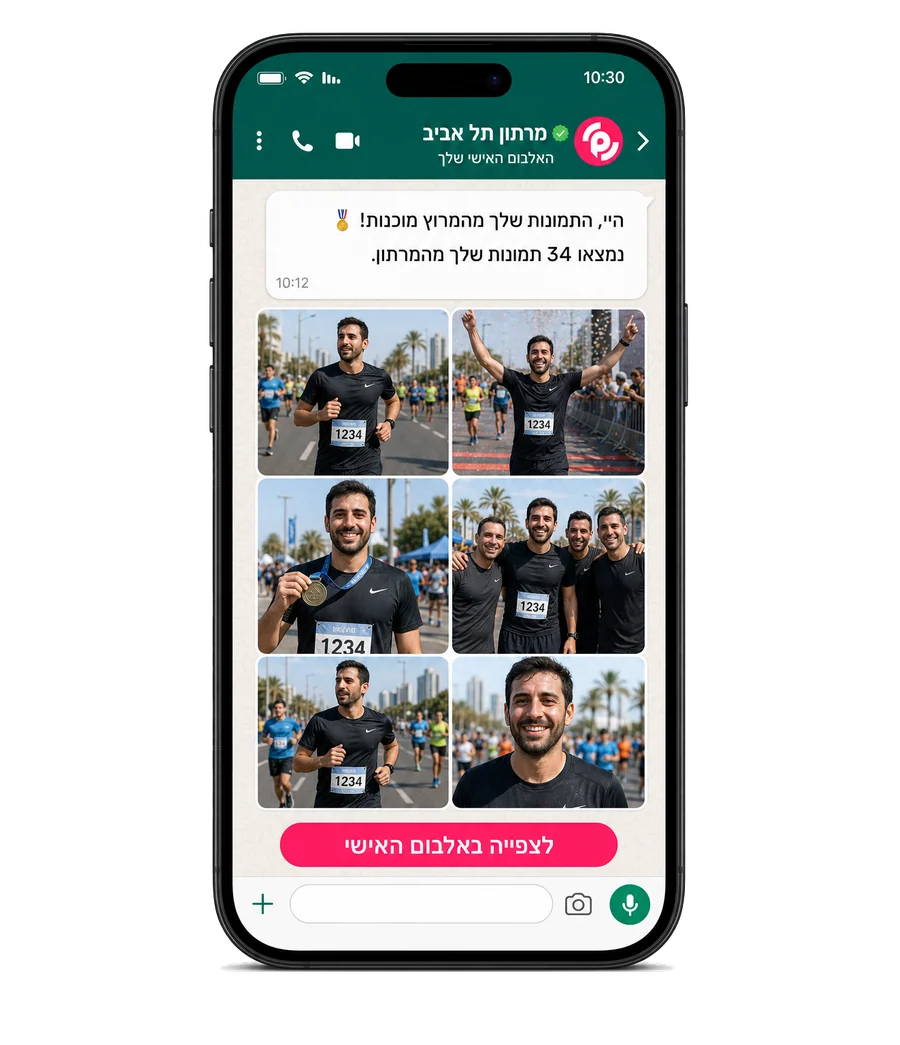
Races, tournaments and sports days: every participant gets their photos with face recognition.
To the sports events page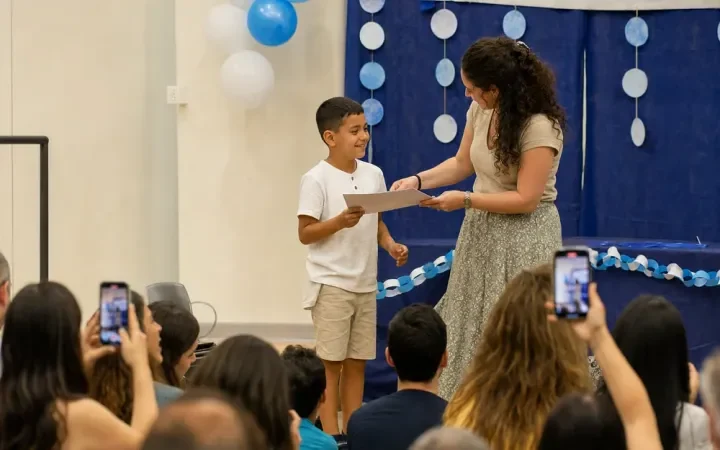
End-of-year party photo sharing
Graduation ceremonies in preschool and school: every family gets an album with their child.
To the graduation parties pageWhy do event photos get lost?
Three problems anyone who has ever produced an event knows, and one reason to solve all three together.
The WhatsApp group that doesn't work
"Send photos!" in a group of 400 people. Most guests send nothing, and the best photos stay stuck on phones and never reach anyone.
Hunting for yourself among 5,000 photos
Even when there is a gallery, every guest has to scroll alone through thousands of photos to find themselves. Most give up after a minute.
The photographer's album arrives too late
The peak of excitement is the day after. The edited album only arrives two weeks later, when everyone has already moved on.
An automated event photo-sharing system solves all three together: automatic collection, face recognition that sends each person their own, and everything on WhatsApp without anyone having to ask.
Photo-sharing solutions for large events
A wedding of 600 guests or a production with thousands of attendees, the system was built for exactly this. Hundreds of guests upload at once, face recognition sorts tens of thousands of photos automatically, and the WhatsApp delivery goes out to everyone registered at once. Several photographers, several halls, everything funnels into one gallery.
Photo sharing for business events, conferences and company events
You project the event on a LIVE screen fully branded as yours, every attendee gets a personal album ready to post on LinkedIn, and at the entrance there's a gallery and a QR code in real time. Sponsors get exposure you can measure, and employees share your branding themselves.
To the conferences and business events pageThis is what event photo sharing looks like in real time
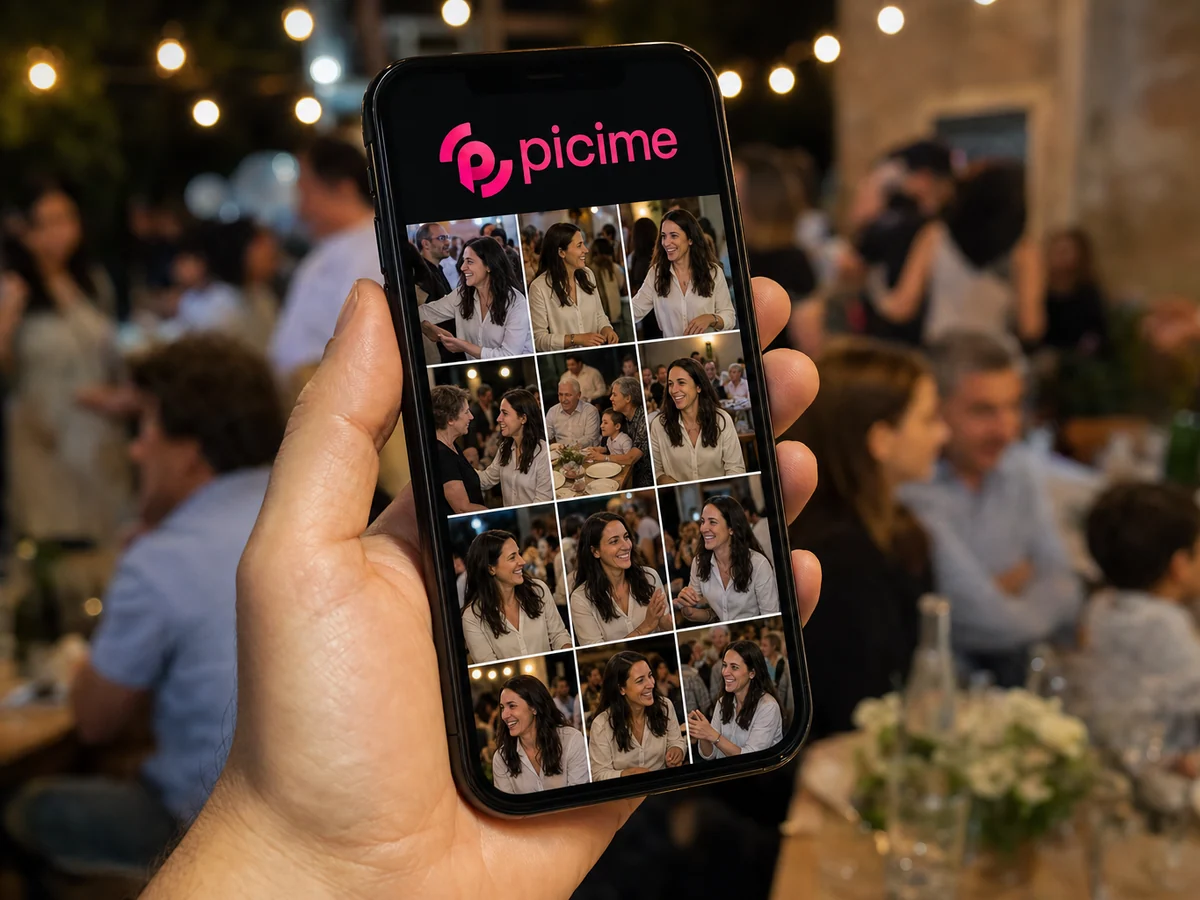
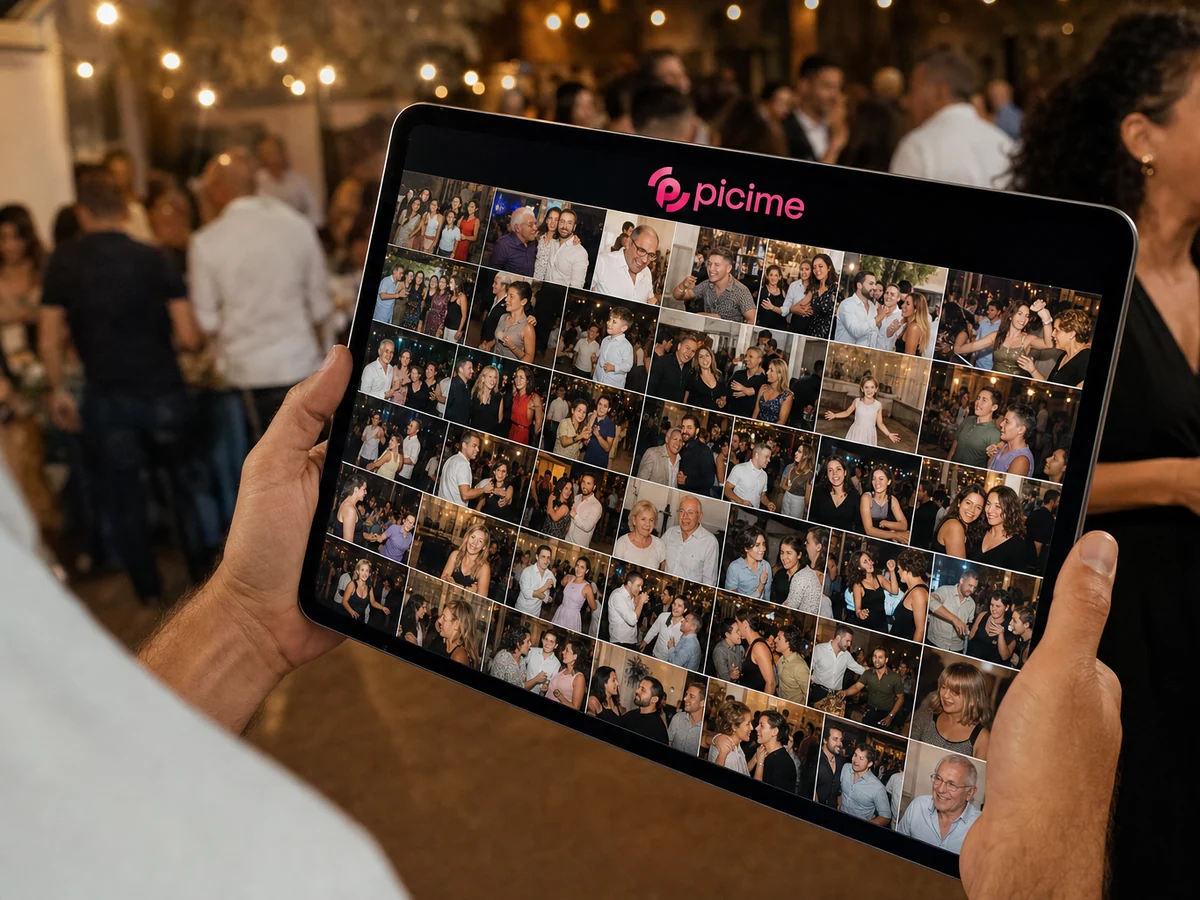
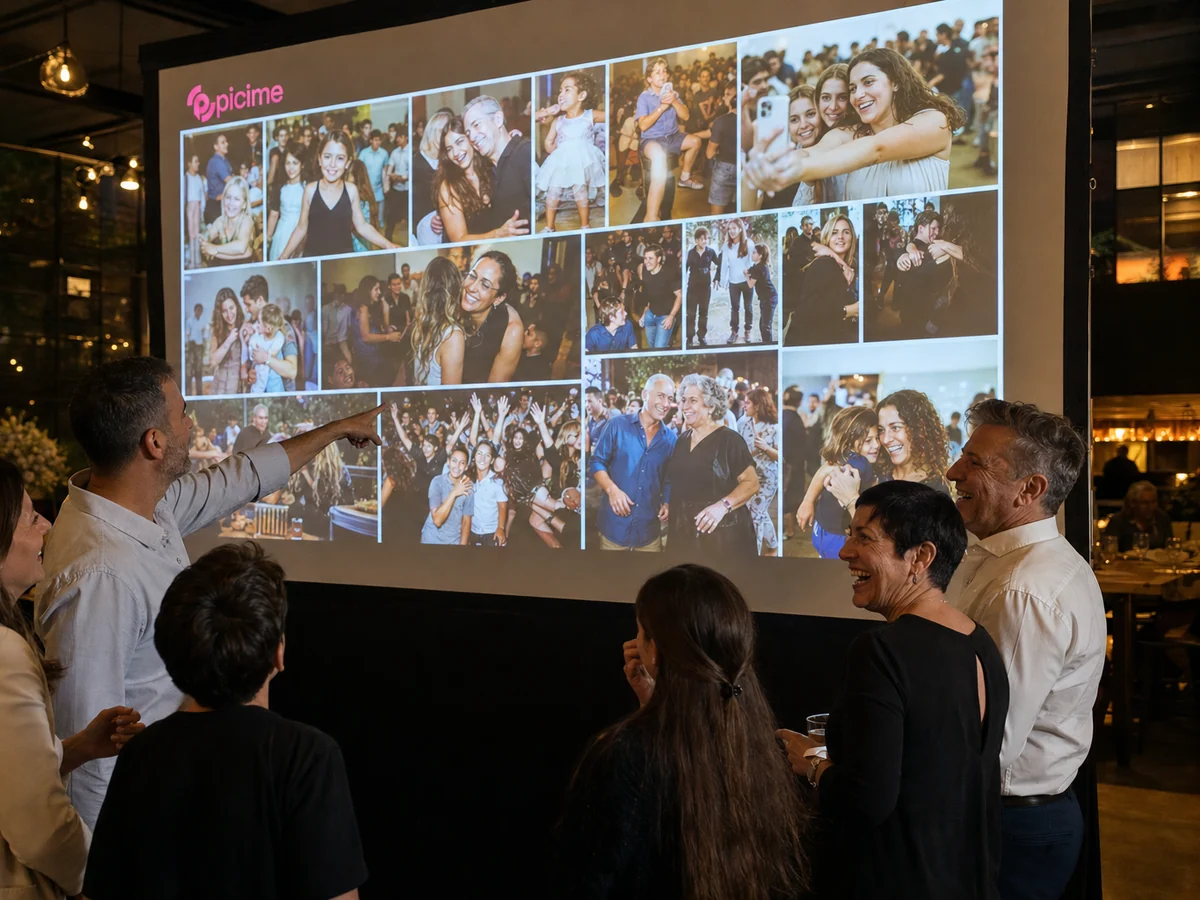
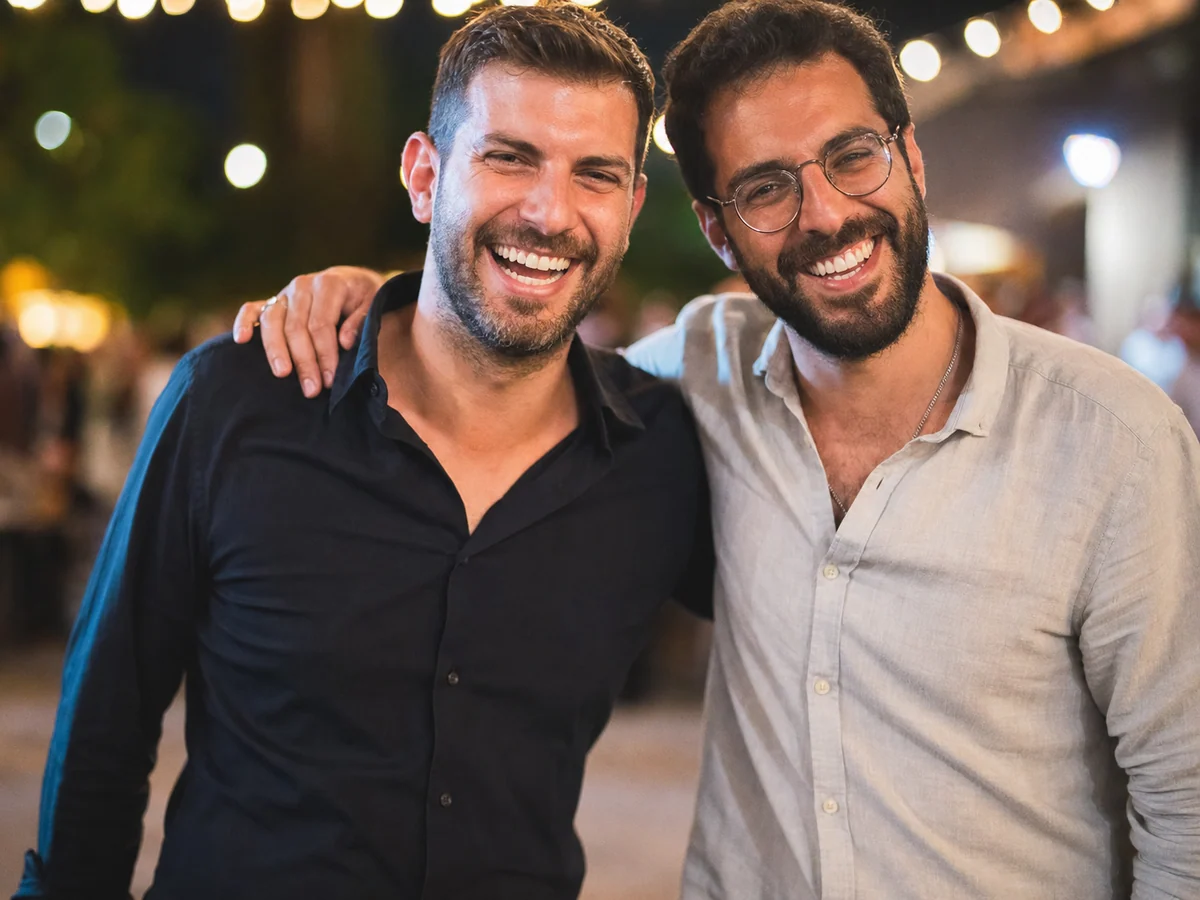
By the end of the event, every guest has a personal album on WhatsApp with the photos they appear in. No overloaded groups and no Drive folder no one opens. This is how event photo sharing is supposed to feel.
Face recognition at events, with privacy built into the method
Joining is always the guest's choice: only someone who joined and took a selfie takes part. Each guest receives only the photos they appear in, the gallery is open to event guests only, and the photos are kept for a set period and deleted at the end of it. The data is used for your event only, not for advertising and not for any other use.
How much does photo sharing for an event cost?
You choose a plan based on what matters to you. A shared event album starts at $120, a personal album with face recognition for every guest starts at $170, and the premium plan also adds a LIVE screen. You can see all the plans on the pricing page, with no counting guests and no surprises.
Frequently asked questions about event photo sharing
How do you share photos from an event without an app?+
How long until guests get their photos?+
How does the face recognition work, and what about privacy?+
Does it work for a large event with hundreds of guests?+
Do both the photographer's photos and the ones guests took get into the album?+
How much does event photo sharing with PiciMe cost?+
Go deeper on event photo sharing
How to share photos from an event without an app
From a QR code to a personal album on WhatsApp, without any guest having to download a thing.
The 10 best apps for sharing photos at events
A full comparison: face recognition, WhatsApp, QR and pricing, and which suits which event.
A personal digital album for events
How every guest leaves the event with an album of their own, that stays with them long after the stories disappear.