
Wedding photo sharing with a QR code: every guest gets their own photos
Put one QR code on the tables. Guests scan it, take a single selfie, and open a personal album of the photos they appear in. It runs in the browser, so there is no app to download and no account to create. PiciMe can also send each guest their album straight to WhatsApp, if that suits your crowd.
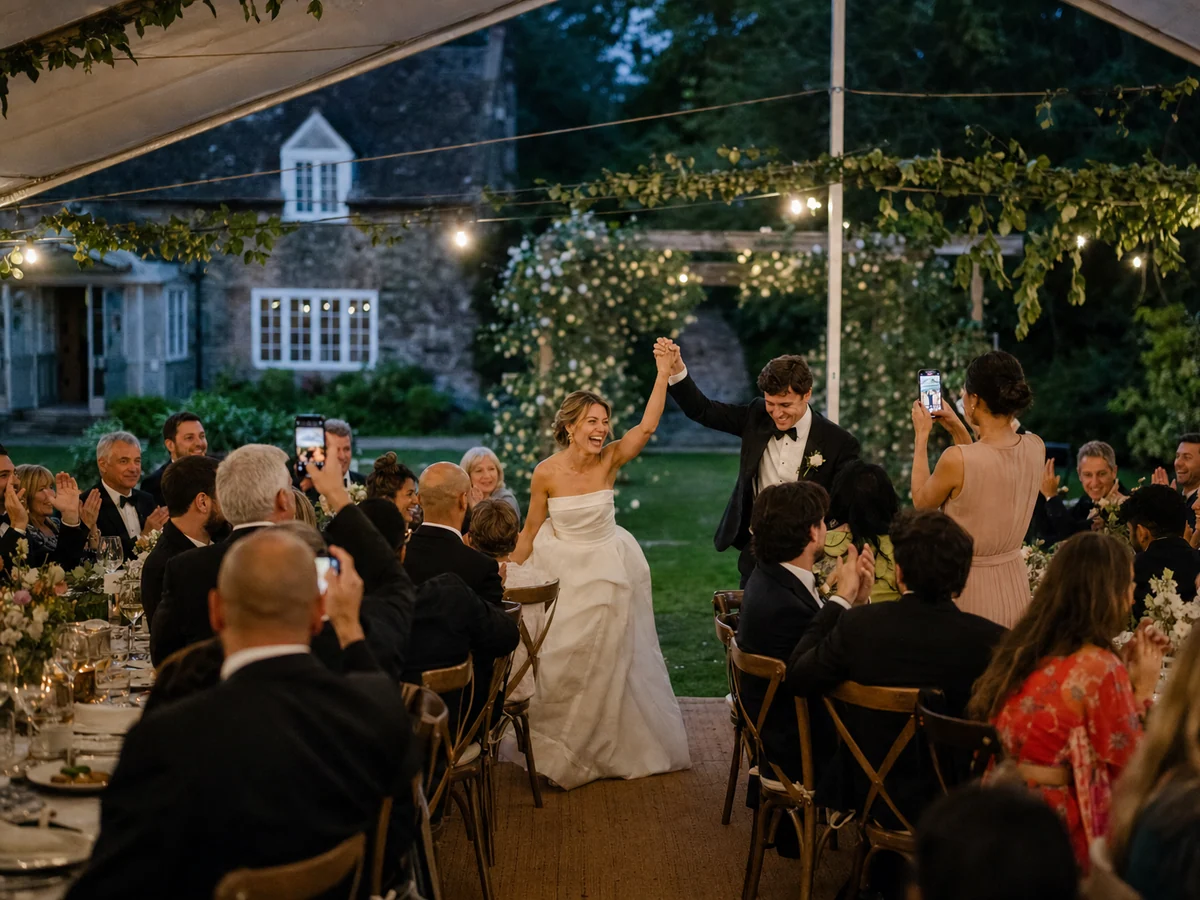
During the ceremony you are looking at each other, not at the room. On the dance floor you are in the middle of it. Your guests see the parts you miss, and their phones hold the only copy. PiciMe gathers all of it into one gallery and hands every guest the photos they are actually in.
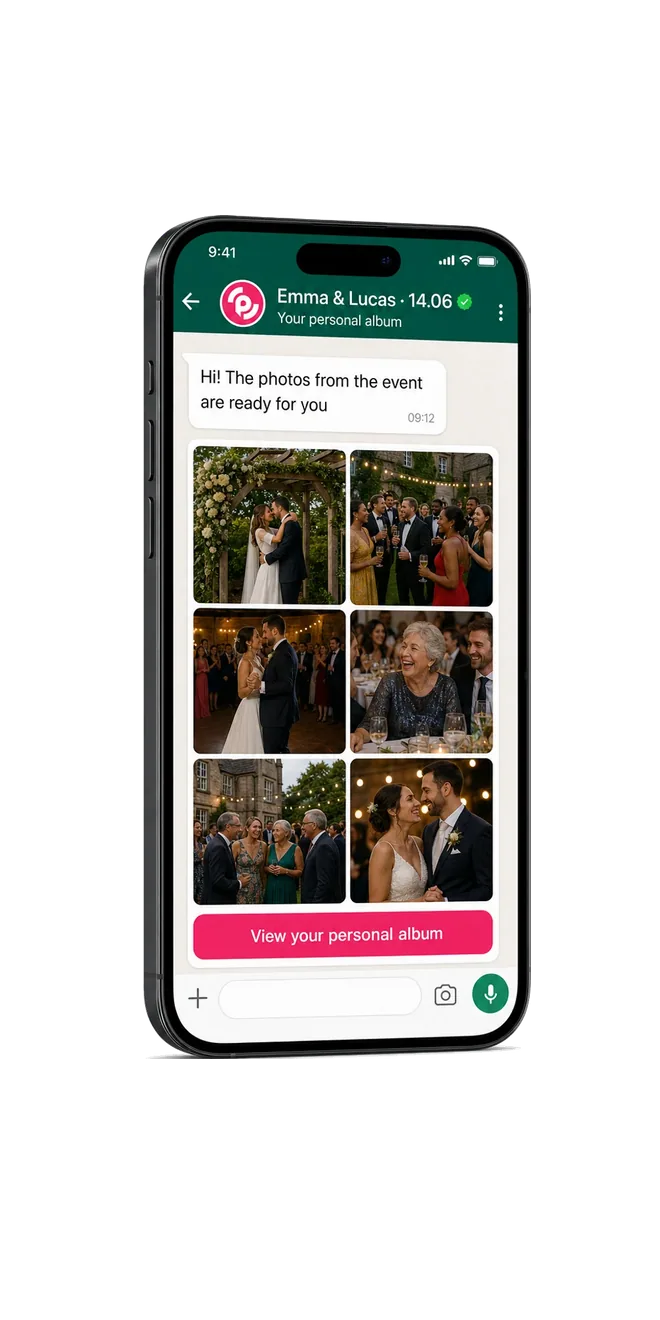
How guests get their wedding photos, in 3 steps
A guest scans the QR code and takes one selfie. Face recognition does the rest. Each guest ends up with the photos they appear in, and you get the whole wedding in one gallery.
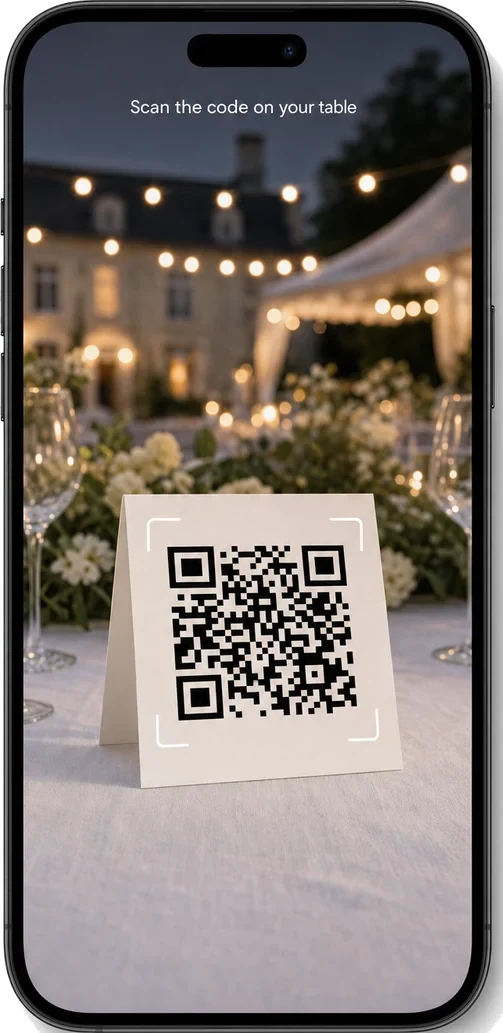
Scan the QR code
Put a QR code on the tables and at the entrance. Guests scan it with the camera they already have. It opens in the browser, so there is nothing to install and no account to create. You can also send the link ahead of the day if you prefer.
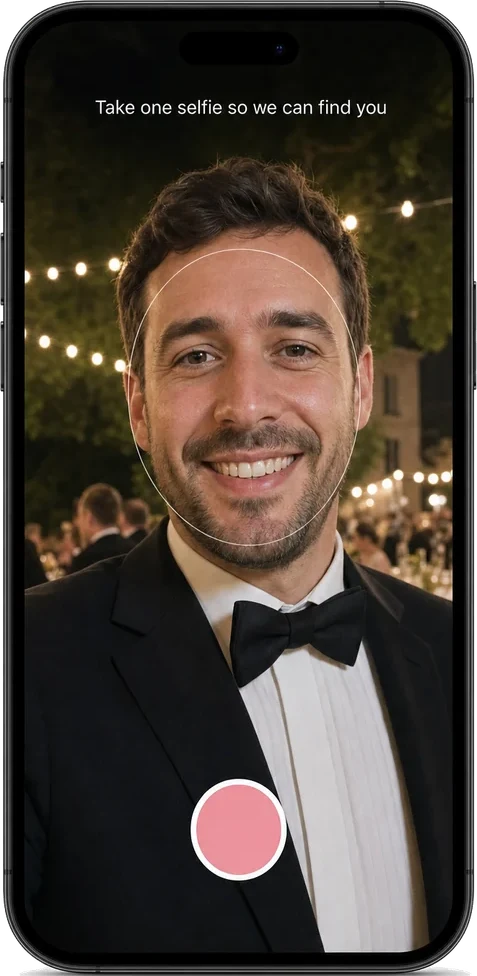
Take one selfie
Each guest takes a single selfie. Face recognition uses it to find that guest in the wedding photos, from the photographer and from the other guests. The selfie is not stored: every time a guest opens their gallery, they take a fresh one.
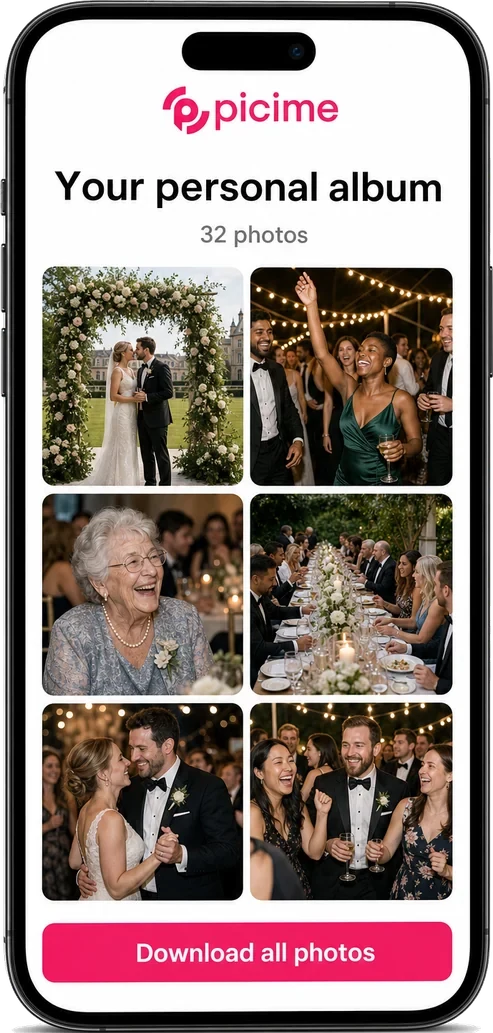
Get your own photos
Every guest gets an album of the photos they appear in, and nothing else. You decide when the albums go out, and you open the full gallery of the whole wedding whenever you like.
Your photographer delivers 600 photos. Every guest should see the ones they are in.
A guest scans, takes one selfie, and their album opens. That is the entire ask. It works in any browser, so nobody has to download anything or make an account. Your grandmother can do it, because there is nothing to do.
It does not stop on the night. When your photographer delivers the edited photos, PiciMe runs face recognition on those too, and each guest gets a second album with the professional shots they appear in. The photographer's work reaches all your guests instead of sitting in a folder.
Anyone who wants the whole evening can browse the central gallery. And every photo taken on a guest's phone joins your collection, including the moments at the far tables that no photographer walked past.
The personal album turns into your thank-you. It is a keepsake that reaches every guest who joined. If you are also booking a photo booth, the two sit together well: the print goes on the fridge, the album stays on the phone.

Why the usual ways of collecting wedding photos fall apart
You know the routine. A group chat, a message asking everyone to send their photos, and almost nobody does. The few who do send send them twice. His side and her side never see each other's, because they were never in the same chat.
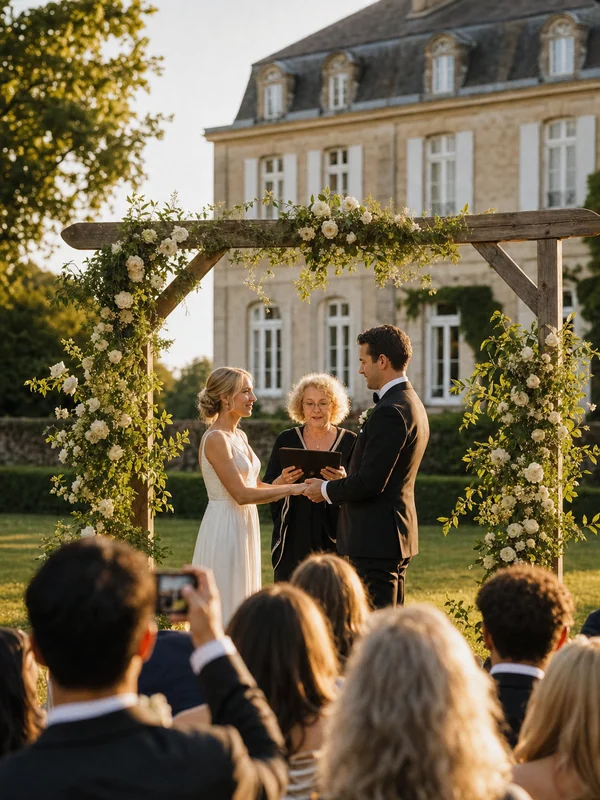
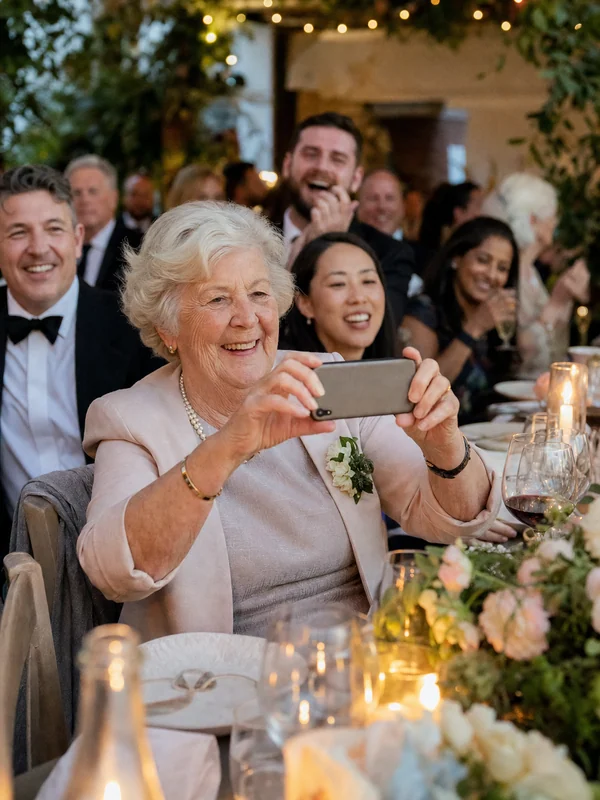
Then there is what you miss yourselves. During the ceremony you are facing each other. Your aunt, sitting at an angle no photographer stands at, catches your father's face as he watches. Without a way to collect it, that photo stays on her phone.
And the edited album takes weeks. The excitement peaks long before that. It peaks the day after, while everyone is still talking about it. That is the gap PiciMe fills.
What happens to your wedding photos, and why most guests never see themselves
A full day of coverage gives you 400 to 800 edited photos. Spread across a hundred guests, most people appear in a handful of them, and they never see those. PiciMe works on everything uploaded to the event, not only on the edited set, so a guest gets the photos they are in, including ones nobody else would ever have opened. If you switch on guest collection, the photos your guests took on their own phones go into the same pool, and face recognition runs on those too.
When do guests actually get their photos?
You choose. Guest photos are ready almost immediately, so you can release those albums the same night or the next morning. The professional photos arrive later, usually a couple of weeks after the wedding once the photographer finishes editing, and each guest then gets a second album with the professional shots they appear in. The timing is your call, not a fixed schedule.
Three plans: Basic shared album $120, Plus personal albums with face recognition $170, Premium with a live screen $200. The system does not cap photos or guests; the 500 in the price list is what the listed plans cover. Full pricing.
What wedding photo sharing actually looks like
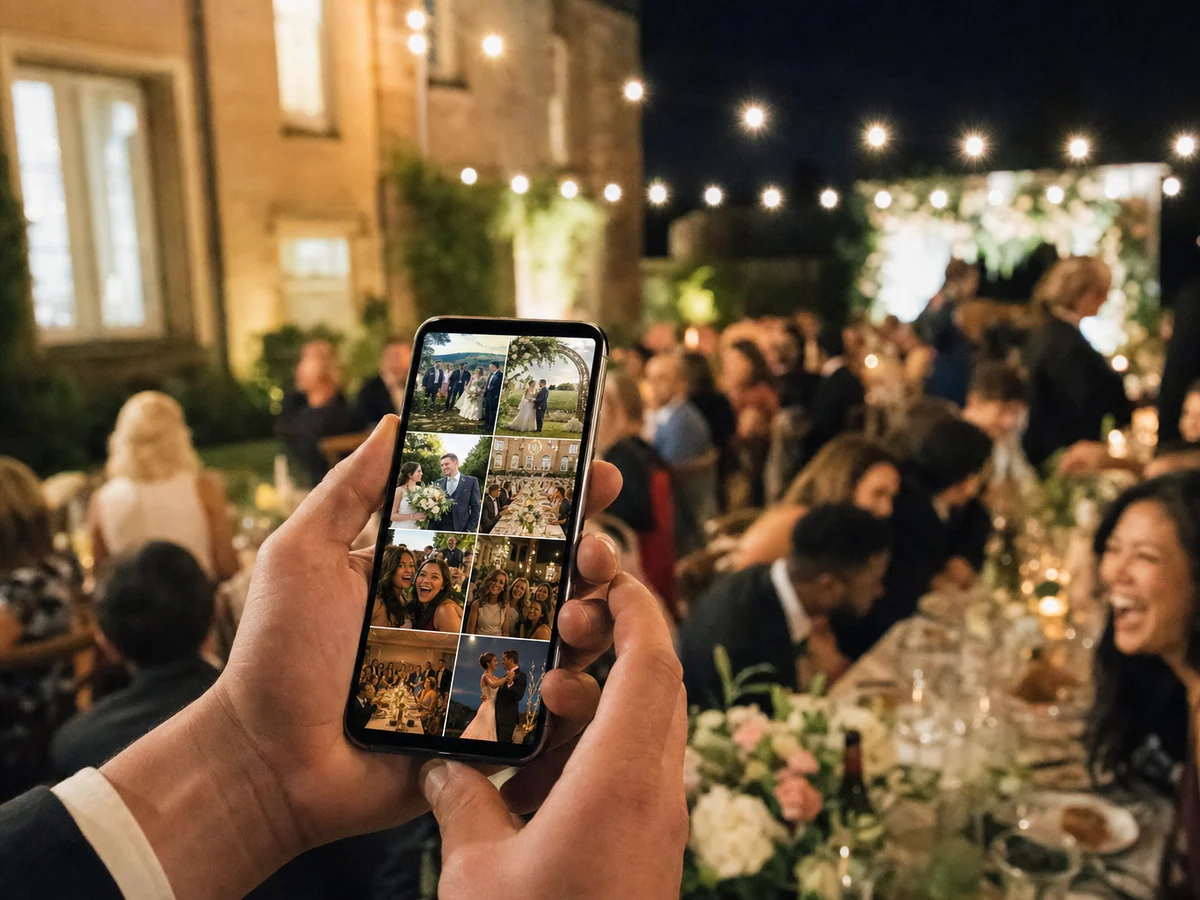

We woke up the morning after the wedding and all the guests' photos were already waiting on WhatsApp. My favourite is one my grandmother took from her chair, where you can see my dad crying. And I never had to chase anyone: the guests messaged me themselves to say thank you for the album they got.
Privacy is built into how it works
Each guest sees only the photos they appear in. The selfie is used to match a face at that moment and is not stored. Every time a guest opens their gallery, they take a new one. Joining is a choice: a guest who does not scan does not take part. Event photos are kept for about six months, and you can extend that.
Want your guests' photos, including the moments your photographer missed?
The average wedding spends about $292 a guest. PiciMe is $170 for the whole wedding, so it costs less than the catering for one seat. There is no counting guests and no surprises, and it is one of the few lines on the budget your guests get something out of. See every plan on the pricing page.
Wedding photo sharing: common questions
How do I create a QR code for my wedding photos?+
Do guests need to download an app or sign up?+
What is the best way to collect photos from wedding guests?+
Our guests arrive at different times. Does everyone still get in?+
We already have a photographer and a photo booth. What does PiciMe add?+
Our families don't know each other. Will everyone see everyone's photos?+
When do we need to upload the guest list?+
How much does wedding photo sharing cost?+
Go deeper on wedding photo sharing
Face recognition for events
How one selfie turns thousands of photos into a personal album for each guest.
8 wedding photo sharing apps, compared
Eight apps side by side on price, face recognition and the live slideshow.
Engagement party photo sharing
Both families in one room, and one gallery they all end up in.