
Conference photo sharing: every attendee gets the photos they are in
At a conference of a thousand people, nobody goes hunting for their own photos. So conference photo sharing has to push, not wait. Each attendee scans a QR code on their badge and takes one selfie. PiciMe then finds them with face recognition and gives them a personal album of every photo they appear in. No app, no sign-up.
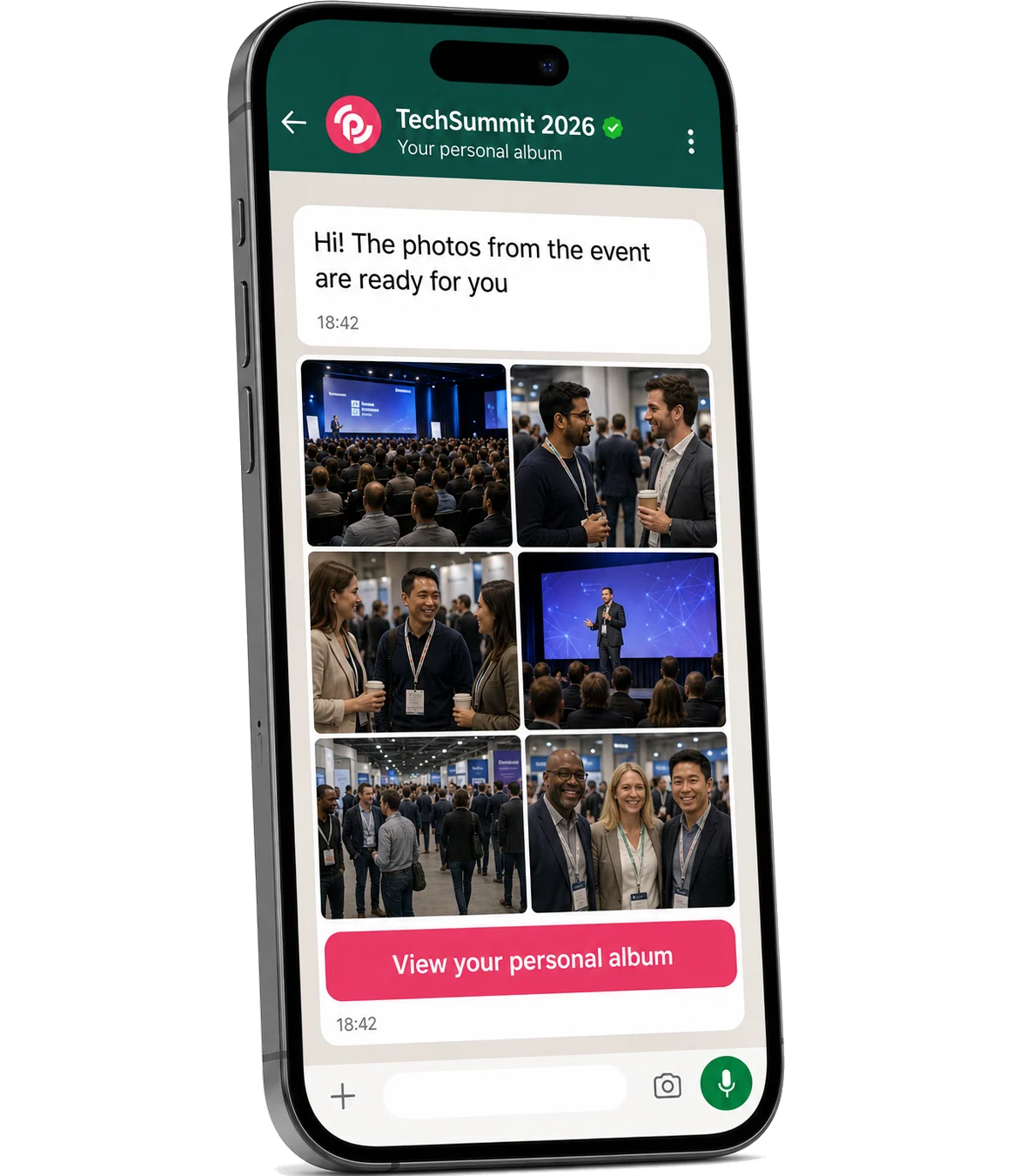
How you get all of your photos from the conference in 3 simple steps
PiciMe locates you within all the conference photos, and returns to you only the photos you appear in.
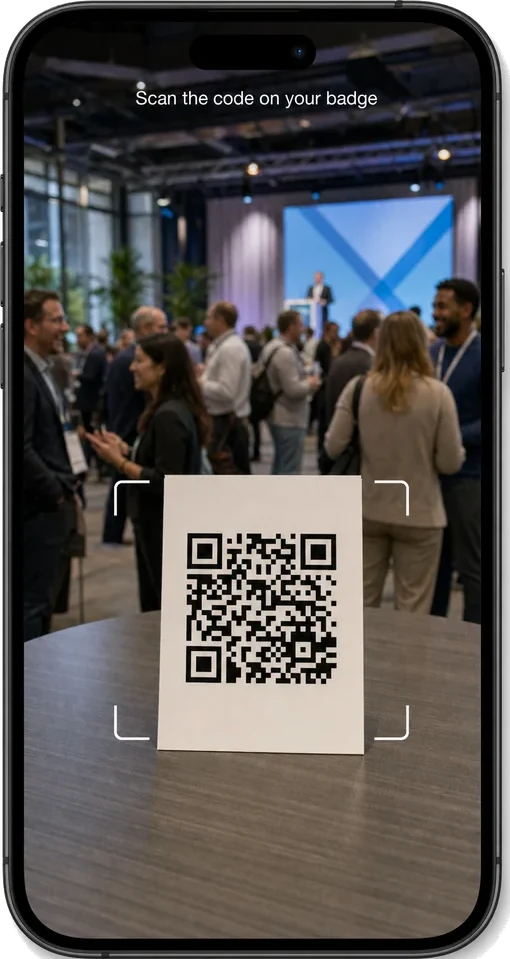
Scan the QR code
Attendees scan a QR code on their badge or on the table. It opens in the browser. Nothing to install, no account to create.
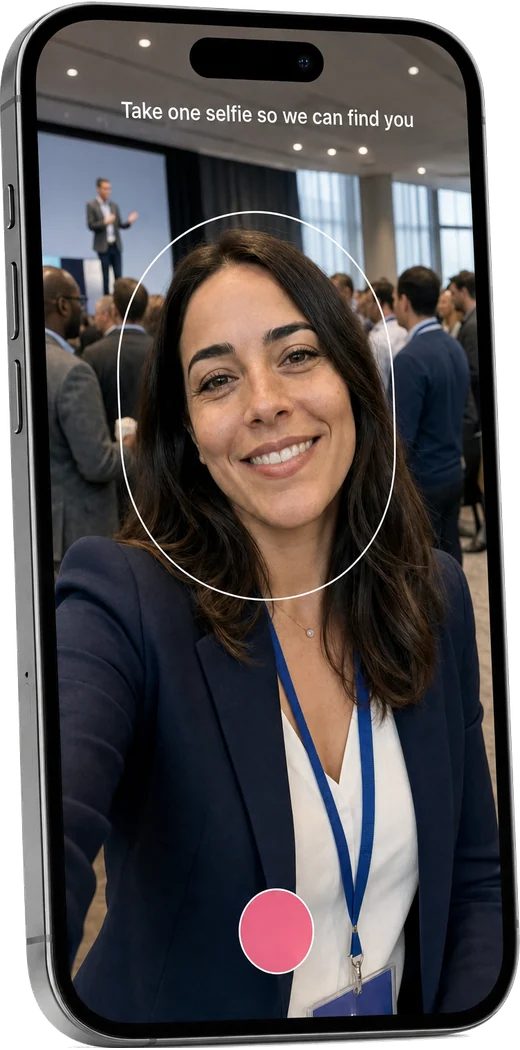
Take one selfie
Take a short, clear selfie. The system recognizes the face and searches for you across all the conference photos.
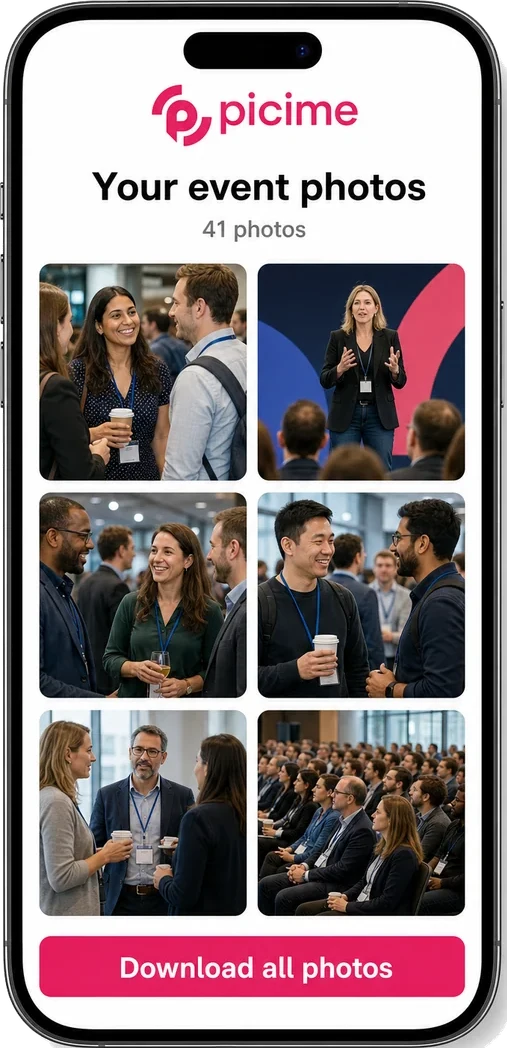
Get only your photos
Within moments a personal album arrives with all the photos you appeared in, ready to view, download and share.
The photos find the attendees, not the other way around
Each attendee gets the photos they appear in: on stage, on a panel, at a booth, mid-handshake. They also get the central gallery of the whole conference. These are LinkedIn-ready photos of them presenting and networking. They are worth more than a souvenir, and nobody has to ask for them.
And that's exactly the difference from how it is today. Instead of a Drive link buried in a summary email no one opens, the photos simply reach each person straight to WhatsApp, on the day of the conference itself.
Photos that attendees took on their phones join the pool too, so moments from the breakout rooms and the hallways reach exactly the people who appear in them.




What happens today to the photos from your conference
Three problems every business conference producer knows, and one reason to solve them all together.
The Drive folder no one opens
You paid a professional photographer, and a week later you got 800 photos in a shared folder. The link sits in a summary email most attendees never open. By the time anyone looks, the conference is no longer worth posting about.
The networking moments die in an untagged archive
With 500 to 1,500 attendees who are strangers to one another, no one manages to match faces to the names on the badges. The excellent shot of a panelist mid-answer, or of two VPs exchanging cards, never reaches the people photographed.
There's no ROI to show the sponsors
The sponsors paid for the photo wall and the branded stage, and now they're asking for proof of exposure. A screenshot of a gallery no one opened won't convince any CMO. A branded album that lands on the WhatsApp of decision-makers, that's a different story.
Producing a business event: what happens to the photos after the hall empties
A producer usually ends a conference with one shared folder and one link sent to everyone. Nobody digs through hundreds of photos of other people. The most valuable material of the event just sits there. PiciMe works the other way round. Each attendee takes one selfie and gets a gallery of only the photos they appear in, including ones nobody else would ever have found.
What does the producer need to prepare in advance?
An attendee list with phone numbers. A logo and colors for branding the gallery and the live screen. A decision on whether attendees may also upload photos they took themselves (it is not automatic, it is the event owner's choice). And the name of whichever photographer uploads the material, and when they finish processing it.
When do you upload the attendee list?
Whenever suits you, there is no deadline and no two-weeks-before rule. Want attendees shooting and sharing during the conference itself, upload before. Want only to send each person the photographer's photos, you can upload even a day after, the moment the material comes back from the photographer. The upload follows your goal, not a schedule someone imposed on you.
Interactive photo sharing for conferences: what does it look like in practice?
The live screen shows photos as the event unfolds. Attendees see themselves and shoot more. A sponsor who appears in someone's personal gallery gets exposure you can actually measure, in opens and clicks, because each person came to see their own photos rather than a banner in the lobby. The gallery keeps filling: the professional photos join it once the photographer has finished processing them.
The plans: Basic shared album $120, Plus personal album with face recognition $170, Premium full experience with a live screen $200. There is no product limit on the number of photos or attendees (the price list notes up to 500 guests for the listed plans, which is a pricing bound of the plans, not a technical ceiling). Full details in the price list.
Four moments from the conference that reach the WhatsApp of the right people



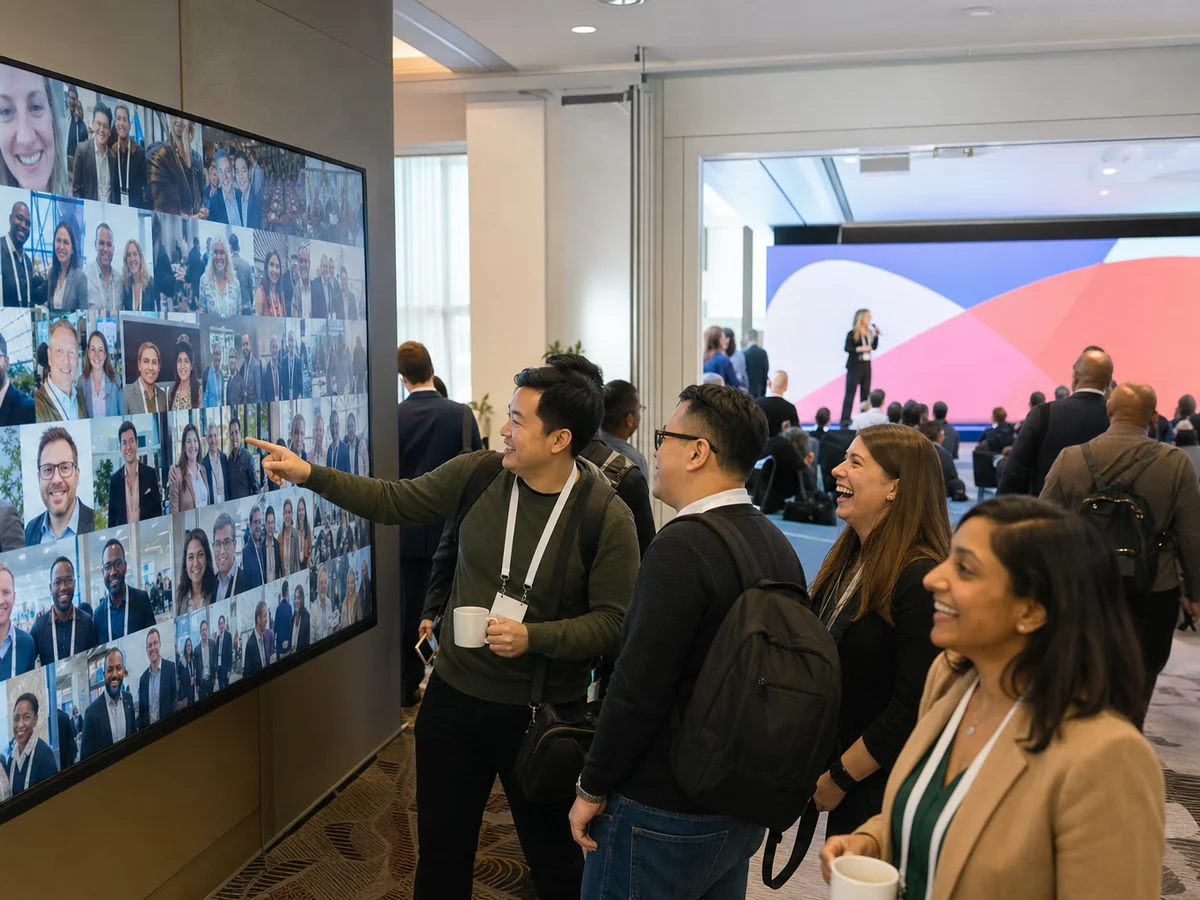
Every attendee got a WhatsApp link, took one selfie, and face recognition found all the photos they appear in. The personal albums reached everyone straight on WhatsApp, no app and no sign-up. Much simpler than sending a Drive link no one opens.
Full opt-in, transparently with the organization
Everything is open to the attendee and to the organisation. Joining is opt-in: face recognition works only for someone who scans the code and takes a selfie, and each person sees only the photos they are in. Conference photos are kept for a period you set in advance, then deleted. For stricter events we can shorten that period or switch off photo collection from attendees.
Transparent pricing tailored to the scale of your conference
The cost is derived from the scale of the event: the number of attendees, the conference days, the halls and the photographers. You can see the plans on the pricing page, but the fast way to an accurate quote is a short fit call, in which we map out the structure of the conference and the organization's privacy and regulatory requirements. You can even come to the call with the sponsor deck, and we'll show you how the albums work for it.
The questions that come up in most fit calls
How does it work in terms of privacy? Our attendees come from organizations that are sensitive to face recognition.+
We have 1,200 attendees in three halls in parallel. Can the system handle it?+
How does this help me show sponsors a return on investment?+
Our attendees are senior executives who don't download apps. What's actually required of them?+
We work with a professional photographer, and the attendees photograph themselves too. How does it all connect?+
What do you need to prepare for a business event with PiciMe?+
When do attendees receive their photos?+
How much does conference photo sharing cost?+
Go deeper on photo sharing at business events
Face recognition for events
How one selfie turns thousands of photos into a personal album for each guest.
Holiday party photo sharing
The one night the whole company is together, properly collected.
The live screen
Photos go up on a screen at the venue through the night, as they are taken.
The best event photo sharing apps, compared
Eleven apps side by side on price, face recognition and what guests have to do.