Wedding photo sharing apps compared: prices and picks (2026)

Updated September 2026. Prices checked on each vendor's pricing page in September 2026.
If you want every guest to end up with their own photos, sent to their WhatsApp with no app and no sign-up, PiciMe is built for exactly that, and at $120 to $200 per event it is also the most expensive entry price on this list. If a shared gallery that guests scan into is enough, GuestCam, GuestPix and Wedibox all do it well for $49 one-time, and Kululu and Wedibox let you start free. If you want the files in your own Google Drive with no expiry date, WedUploader does that one job for $59.
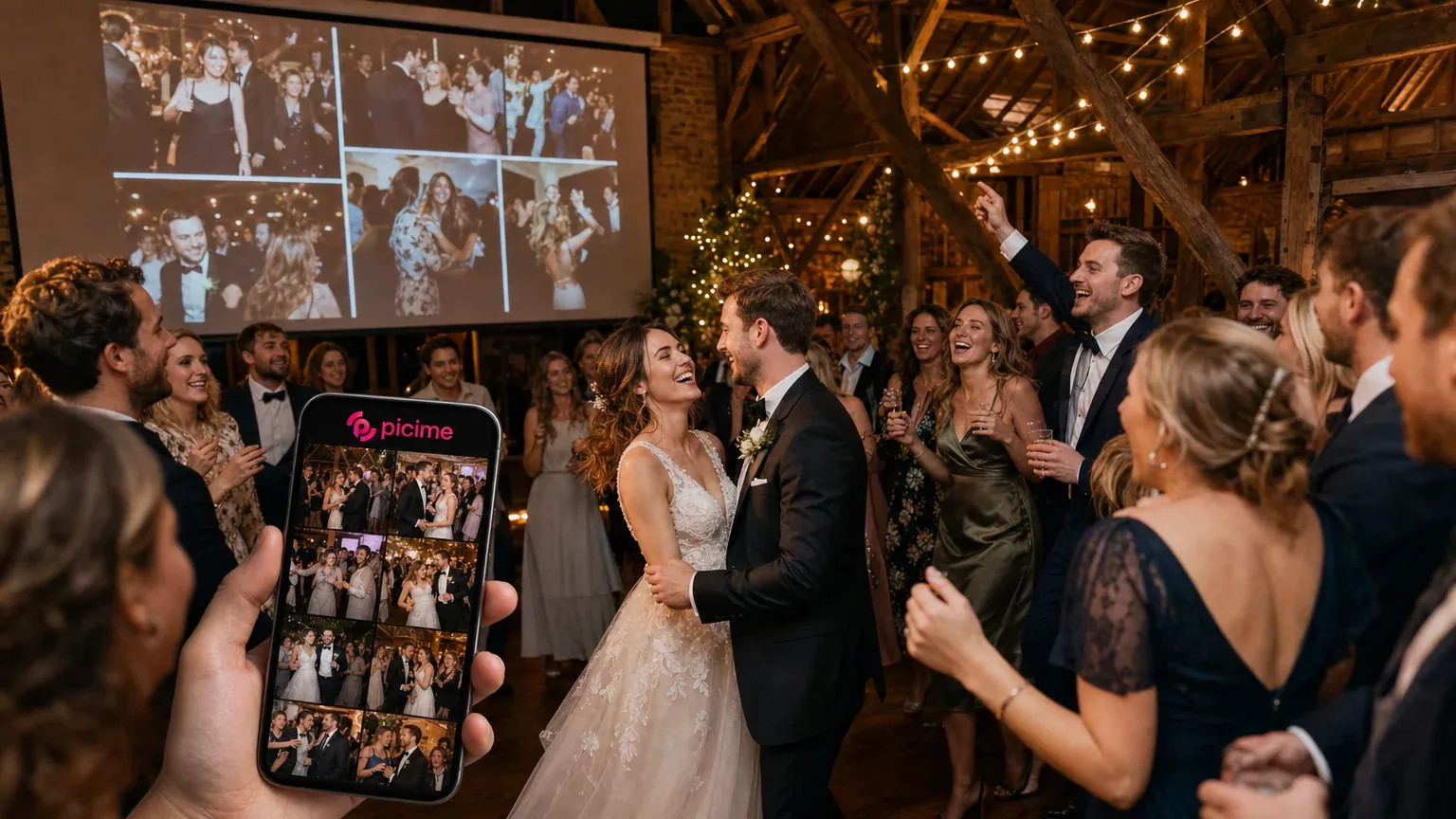
The tools split into two families. A shared gallery: one QR code on the tables, everyone uploads, everyone scrolls the same feed. A personal album: the tool works out which photos each guest appears in and sends each guest only those. Most tools here are the first kind; PiciMe is the second, and GuestCam sits between with a paid add-on. For events other than weddings, our roundup of the best event photo sharing apps covers the wider field.
Quick comparison of wedding photo sharing tools
| Tool | Price from (USD) | Guest app needed | Face-recognition personal gallery | Live slideshow | Guest uploads | Photos kept | WhatsApp delivery |
|---|---|---|---|---|---|---|---|
| PiciMe | $120 per event (Basic); $170 Plus; $200 Premium | No | Yes (Plus, Premium) | Yes (Premium) | Yes (Basic, Premium) | About 6 months, extendable | Yes, personal link per guest |
| Fotify | Free; paid plans from $29.99 per event on Fotify's own list (pricing page shows local currency) | No | Not published | Yes (Live Photo Carousel, all plans) | Yes | 7 days free; 90 days Photo Gallery; 365 days Premium (gallery access) | Share link only |
| GuestPix | Free demo (50 photos); $49 one-time Classic; $89 Signature; $119 Bundle | No | Not published | Yes (paid packages) | Yes | 12 months hosting (Classic, Signature); 24 months Bundle | Not published |
| GuestCam | $49 one-time Standard; $97 Premium; MagicFind +$45 | No | Add-on (MagicFind, $45; guests search by selfie) | Yes | Yes | 12 months (Standard); 14 months (Premium) | Not published |
| Kululu | Free (50 uploads, 24 hours); $39 Plus; $99 Pro | No | Not published | Yes (Live Photo Wall, all tiers) | Yes (50 / 500 / unlimited) | 7 days / 3 months / 1 year | Not published |
| Wedibox | Free (50 uploads); $29 Embed; $49 Wedding; $79 All-In-One | No | Not published | Yes (Wedding, All-In-One) | Yes | 1 year (Wedding); 2 years (All-In-One) | Not published |
| POV | Free up to 10 guests; $4.99 up to 25; $34.99 up to 100; $89.99 up to 250 | App Clip on iOS, web on Android (no full install) | Not published | Add-on (+$10 to +$30) | Yes, shot inside POV | Not published | Not published |
| WedUploader | $59 one-time | No | Not published | Yes | Yes, into your Google Drive | No expiration (your Drive) | Not published |
| Google Photos | Free (15 GB with a Google account) | No app; built around Google accounts | No | Not published | Yes (shared album with Collaborate on) | While your storage lasts | No (share the link through any app) |
Prices and limits as published on each vendor's own site, checked September 2026. "Not published" means the vendor's site does not state it.
How we compared (and who wrote this)
PiciMe wrote this comparison and appears in it under the same criteria as everyone else. Where another tool is the better pick for a given wedding, the text says so by name.
Seven criteria: entry price in US dollars as published; whether guests need an app or an account; whether each guest can receive a personal gallery of the photos they appear in (face recognition); a live slideshow at the venue; guest uploads; how long the photos are kept; and whether delivery reaches guests on WhatsApp, as opposed to a link you forward yourself.
Every number comes from the vendor's own site on the date stated, the pricing page where one exists. Where a site shows local currency, hides the price behind a calculator or does not state a limit, we say so. Third-party roundups were not used for prices.
PiciMe: best for a personal WhatsApp album for every guest
Best for
A wedding where the couple wants each guest to receive the photos they appear in, on WhatsApp, with nothing to install or sign up for.
Price (checked September 2026)
Three plans, per event, on the PiciMe pricing page. Basic is $120: a shared album with photo and video uploads by guests, a QR code and a WhatsApp link to all guests. Plus is $170: a personal AI gallery for each guest through face recognition, sent as a WhatsApp link. Premium is $200: everything, plus a live screen at the venue. The list is priced for events of up to 500 guests; that is a pricing band, and the product itself has no cap on photos or guests. No free plan is listed.
What guests do
Nothing before the wedding. The hosts hand PiciMe the guest list and PiciMe sets up the event and loads it. When the hosts decide the time is right, each guest gets a personal link on WhatsApp, taps it, takes one selfie and gets a gallery of every photo they appear in. The selfie is not stored; each return visit asks for a new one and the match runs again. A QR code at the venue opens the same link on the spot; the WhatsApp link is the main door. The gallery fills over time as photographers and guests upload (full flow: how PiciMe works at a wedding).
Strengths
The guest's whole job is one tap and one selfie, so grandparents get the same result as the bridesmaids. The album draws on everything uploaded to the event, the photographer's full take and, on Basic and Premium, the guests' phone photos, so a guest gets photos of themselves that never reached the edited album. Premium adds a live screen.
Where another tool is better
On price. $120 is the highest entry point here and no free tier is listed; Wedibox or GuestCam give you a shared gallery for $49, Kululu for $39. Photos are kept about six months with an option to extend; GuestCam and GuestPix keep them a year or more and WedUploader never deletes. Guest uploads are listed on Basic and Premium, so ask before booking if you want them on Plus. For RSVP, seating or a guestbook bundled in, Wedibox (RSVP and seating on All-In-One, audio guestbook on Wedding), GuestPix (invitation with RSVPs, written and video guestbook) and GuestCam (audio guestbook) do that and PiciMe does not.
Fotify: best for a free start with a live carousel on every plan
Best for
A shared QR gallery with a live screen on every plan, including the free one.
Price (checked September 2026)
Fotify prices by region: the pricing page shows the currency of wherever you load it from, and from Israel it showed shekel prices with VAT and no way to switch. On its own wedding comparison page Fotify lists its plans in dollars, Free, then $29.99, $49.99 and $79.99 per event, one-time, and we quote those as Fotify's own figures. Professional Event, the $79.99 tier on that list, adds event collaborators, a custom domain and the Match & Connect add-on. Free Event gives 50 photos, 20 invitations, unlimited guests and 7 days of uploads and gallery access. Photo Gallery has unlimited photos, 30 days of uploads and 90 days of access. Premium Event has 90 days of uploads, 365 days of access and guest video clips.
What guests do
Scan the QR code or open a link, then upload and browse in the browser. No app, no account. The album link can go out over WhatsApp, but it is one shared album for everyone.
Strengths
The live photo carousel comes with every plan, free included. The free plan already includes 20 invitations with RSVP, table and seating management, DJ song requests and basic photo moderation. Paid plans add AI photo moderation and bulk download; Premium Event adds unlimited invitations and RSVPs, guest video clips, custom branding and event games. Storage can be extended from the dashboard.
Where another tool is better
No per-guest album. Face recognition is not published anywhere on the site, and the Match & Connect add-on is guest-to-guest networking, unrelated to photos; PiciMe has the personal album built in and GuestCam sells it as an add-on. The free plan's 7-day window is short; GuestPix's free demo gives 30 days.
GuestPix: best for a designed shared gallery with invitations and RSVP
Best for
One QR code on the tables, a gallery styled to the wedding, and the invitation and RSVP in the same place.
Price (checked September 2026)
US dollars, one-time, per event, with a currency switcher. The free Wedding Demo has unlimited guests, 50 photos, a digital invitation with RSVPs and a 30-day upload window. Classic is $49: one gallery, unlimited photos and videos, a slideshow, a written and video guestbook, a 3-month upload window and 12 months of hosting from the event date. Signature is $89 with custom themes and fonts and 12 months of upload and hosting. Signature Bundle is $119 for three galleries and 24 months from the purchase date. Unlimited guests is fair-use capped at 1,000 per event.
What guests do
Scan and upload. No app and no guest registration; guests land straight in the gallery from the QR code.
Strengths
The gallery opens two weeks before the wedding, so the rehearsal dinner lands in the same place. There are 180-plus editable Canva templates for signs and table cards. Twelve months of hosting is included at $49.
Where another tool is better
Face recognition is not published, so everyone scrolls the same feed; PiciMe does the personal album from $170 and GuestCam from $94 with its add-on. Classic closes uploads after three months, while Wedibox's Wedding plan holds them open for six at the same $49. What happens after the hosting window is not published beyond an offer to renew, so download the ZIP before then.
GuestCam: best for a shared gallery with an optional selfie search
Best for
A shared gallery with no limits on guests or files, plus an add-on that lets guests find their own faces.
Price (checked September 2026)
Standard is $49, one-time, per event: unlimited guests, photos and videos, one main gallery, a 6-month upload window, 12 months of storage and an audio guestbook. Premium is $97: six main galleries with their own QR codes, a 12-month upload window and 14 months of storage. MagicFind, the face-search add-on, is $45 one-time per event on either plan. No free tier, and no per-guest charge.
What guests do
Scan or tap, then upload from the browser. No app, no account. With MagicFind on, a guest uploads a selfie in the same portal and gets a personal gallery to download from.
Strengths
The biggest published video limit here, 9.8 GB per file, with photos up to 20 MB, at original quality. The live slideshow plays uploads on a venue screen as they arrive. The guest portal runs in 17 languages.
Where another tool is better
Face matching costs extra and works differently from PiciMe. Guests search for themselves, MagicFind only sees photos uploaded after it was activated (so switch it on before the photographer's files arrive), and nothing is pushed to the guest's phone; WhatsApp delivery is not mentioned. If every guest should receive their album without lifting a finger, PiciMe Plus at $170 is $76 more than Standard plus MagicFind ($94).
Kululu: best for a cheap shared photo wall
Best for
A smaller wedding where the live photo wall is the attraction and the budget is under $100.
Price (checked September 2026)
US dollars, one-time; the site banner advertises 50 percent off all plans for a limited time, so these are the sale prices shown on the day. Free is $0: up to 50 uploads, unlimited guests, active for 24 hours from the event date, saved for 7 days. Plus is $39 (regular $79): up to 500 uploads, active for 1 month, saved for 3 months. Pro is $99 (regular $199): unlimited uploads, active for 3 months, saved for 1 year. Every tier has the live photo wall.
What guests do
Scan the QR code on the photo wall and upload from the browser. Kululu says it built the thing for non-techies.
Strengths
Cheap: $39 one-time, with unlimited guests and the live wall on every tier. For a 60-person wedding, it does the job.
Where another tool is better
The caps bite. The free tier is active for one day, and Plus stops at 500 uploads, which 100 phones in a room will blow past; Wedibox's Wedding plan at $49 has unlimited uploads and a year of storage. Face recognition and WhatsApp delivery are not published, so for a personal album look at PiciMe or GuestCam.
Wedibox: best for a free start that grows into a full wedding site
Best for
Starting with a free QR gallery and adding a wedding website, RSVP and seating later without changing tools.
Price (checked September 2026)
US dollars, one-time, no subscription. Free is $0, always: 50 guest photo uploads, a QR code and share link. Embed is $29: a 3-month upload window and a widget for your own website. Wedding is $49: unlimited guest uploads, a 6-month upload window, 1 year of storage, a wedding website, audio guestbook messages, a live slideshow and an original-quality ZIP. All-In-One is $79: a 1-year upload window, 2 years of storage, RSVP with meals and plus-ones and a live seating chart.
What guests do
Scan with the phone camera and upload. No app. Wedibox says uploads reach the big screen seconds after the scan.
Strengths
The cleanest free-to-paid path on the list: start at $0, pay $49 once when you are ready. Two years of storage on All-In-One matches the longest fixed retention here (GuestPix's Bundle).
Where another tool is better
Shared album only. Face recognition and WhatsApp delivery are not mentioned on the homepage, features or pricing pages, so every guest scrolls the same feed; PiciMe is the pick if guests should each receive their own photos. The free plan stops at 50 uploads, so treat it as a trial.
POV: best for the disposable-camera feel with a delayed reveal
Best for
Guests shooting from inside one shared camera, a set number of shots each, revealed together later.
Price (checked September 2026)
POV prices by guest count, per event, in US dollars, through a calculator. Personal events: up to 10 guests free, up to 25 $4.99, up to 50 $14.99, up to 100 $34.99, up to 175 $64.99, up to 250 $89.99; from 251 it is a contact form. A business essentials package (custom branding, live slideshow, 24/7 support) is an add-on from $10 to $30 by tier, included in the free 10-guest trial.
What guests do
Scan a QR code or open a link and a disposable camera opens on the phone, an App Clip on iOS and a web experience on Android, so nobody installs the full app. The host runs the POV app, sets shots per guest and decides when the roll is revealed.
Strengths
The reveal is the point. The host sets how many shots each guest gets and when the roll is revealed to everyone. Ten guests cost nothing.
Where another tool is better
POV collects what guests shoot inside the app. It does not deliver the photographer's photos to guests, and face recognition, WhatsApp delivery, retention and video support are not published. A 200-guest wedding is $89.99 before the slideshow add-on, more than GuestCam or Wedibox with unlimited guests. Where the photographer's take is the main event, PiciMe or GuestCam make more sense, with POV as the party camera alongside.
WedUploader: best for keeping everything in your own Google Drive
Best for
Every guest photo and video landing as files in your own Google Drive, with no expiry date.
Price (checked September 2026)
One price: $59, one-time, in US dollars. It unlocks the premium set for all your albums: unlimited photo and video uploads to your Google Drive in original quality, unlimited guest contributors with no logins, a link and QR code per album, a real-time gallery, a fullscreen slideshow photo wall, a guestbook and voicemails. A seating chart add-on is $19. Albums are free to create and never expire; the cap is Google's free 15 GB of Drive storage. Some roundups still print $39; the live page showed $59 when we checked.
What guests do
Open the link or scan the QR code and upload from any browser. No app, no login. The host signs up and connects a Google Drive first.
Strengths
Ownership. Files sit in your own Drive from the moment they are uploaded, so there is no download deadline and no storage clock. Unlimited albums under one payment.
Where another tool is better
WedUploader is a collection tool. Nothing goes back out to guests unless you share the Drive folder yourself: no personal album or face recognition, and nothing arrives on WhatsApp. For a tool that sends each guest their own photos, PiciMe is the pick. And because the storage is your Google quota, a few thousand phone videos mean a paid Google One plan.
PhotoCircle and Google Photos: the app and the free baseline
PhotoCircle is a private sharing app for families and groups. Guests join a Circle by link, QR code or in-app invite, then install the app or sign in on the web with an account. Pricing is a subscription, checked September 2026: free with ads, or PhotoCircle+ at $1.29 a month or $9.99 a year. Per-event pricing, face recognition, a venue slideshow and retention are not published. It suits a family that will keep sharing for years; it is the wrong tool for 200 guests who will not install anything.
Google Photos is the free baseline. Every Google account comes with 15 GB shared across Drive, Gmail and Photos, and a shared album with Collaborate turned on lets anyone with the link add photos. It is built around Google accounts, so check how guests will be asked to join. No per-guest album, no venue slideshow published, no WhatsApp delivery beyond sending the link through any app. For a 40-person wedding where the couple already lives in Google Photos, it costs nothing.
When to choose which
A big wedding with a professional photographer. The photographer shoots thousands of frames and a few hundred make the album; a shared gallery does nothing with the rest. PiciMe Plus sends each guest the photos they are in from the photographers' full take; Premium adds the guests' uploads to that pool and the live screen. GuestCam with MagicFind is the cheaper route if guests searching for themselves is fine.
A small wedding. Under about 60 guests a shared feed is easy to scroll. Wedibox Wedding, GuestCam Standard or Kululu Plus cover it, and a Google Photos shared album covers it free if the family already has accounts.
A tight budget. Under $49 the options are compromises: POV from $4.99 by guest count, Wedibox Embed at $29 as a website widget with a 3-month window, and Kululu Plus at $39 with a 500-upload cap. Unlimited uploads in a full gallery start at $49 at GuestCam, GuestPix or Wedibox. The free tiers stop at 50 uploads or photos, and POV's at 10 guests: fine for a trial, thin for a wedding.
A live wall above the dance floor. Fotify and Kululu include it on every plan, free ones too. GuestCam, Wedibox Wedding, GuestPix's paid packages and WedUploader all have one. At PiciMe the live screen is Premium at $200, and at POV it is a paid add-on.
RSVP and photos in one tool. Wedibox All-In-One at $79 adds RSVP with meals and plus-ones and a live seating chart to the gallery. GuestPix puts a digital invitation with RSVPs in every package, the free demo included. Fotify's free plan carries 20 invitations with RSVP, and Premium Event makes them unlimited.
Photos kept in your own Google Drive. WedUploader writes every upload into the couple's Drive as it arrives, so nothing expires and there is no download deadline; the ceiling is the 15 GB that comes free with a Google account.
Guests who hate apps. Everything here runs in the phone browser, and PhotoCircle also asks for an account and is built around its app, so the difference is how many steps remain. A QR scan into a shared gallery is one step; POV's App Clip is the closest thing to an app. PiciMe removes the scan: the link arrives on WhatsApp, the guest taps it, takes a selfie and is done.
Couples abroad, or families spread across countries. Check the currency first: Fotify prices by region, GuestPix and WedUploader have currency switchers, and PiciMe publishes US dollars on its English site. GuestCam's 17-language portal helps a mixed room, and a WhatsApp link from PiciMe reaches an aunt in another time zone with nothing to explain.
Verdict
For a wedding where every guest should end up with their own photos on WhatsApp, PiciMe is the tool, and you pay for it: $170 for the personal album or $200 with the live screen. For a shared gallery, GuestCam, GuestPix and Wedibox are hard to separate at $49, so pick on the extras: GuestCam for file limits and the selfie search, GuestPix for design and invitations, Wedibox for the free start and the wedding website. Kululu is the budget pick, POV the party camera, WedUploader the choice for files in your own Drive, and Fotify the one to try for a free live carousel. If the personal album is the draw, read how wedding photo sharing works with PiciMe and compare the $120, $170 and $200 plans.
Updated September 2026: prices and features re-checked. We re-check about once a quarter; tell us if a vendor's page has changed.
Questions & Answers

Shai Akuka
The PiciMe team builds an innovative technology platform that gives photographers and event owners everything they need, from running the business to smart photo sharing powered by face recognition. Our goal is to provide advanced tools that turn every event into a shared, seamless and unforgettable experience for organizers, professionals and guests alike.
Read more about us